

Popis
Tired of the ugly, boring browser alert() dialogs? Pretty Alert replaces the default JavaScript alert() function with beautiful, customizable alert boxes that match your website’s design.
This plugin is perfect for developers who want to keep using the simple alert() function in their code but want a better user experience. No need to change your existing JavaScript code – just install and enjoy beautiful alerts!
Key Features
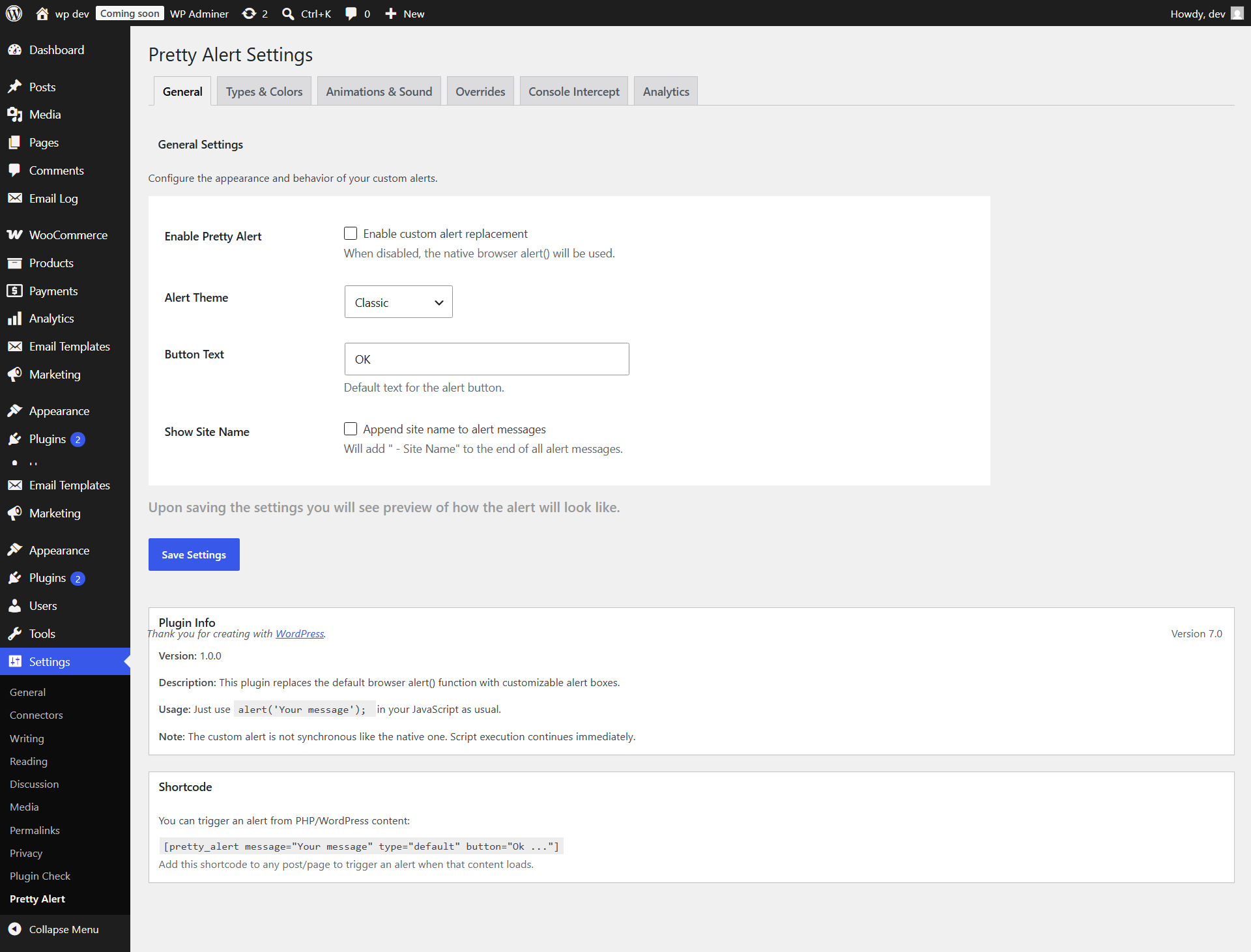
10 Beautiful Themes: Classic, Basic, Clean, Pro, Native, Sleek Dark, Glassmorphism, Cyberpunk, Minimalist, and Royal Luxury themes to match any website
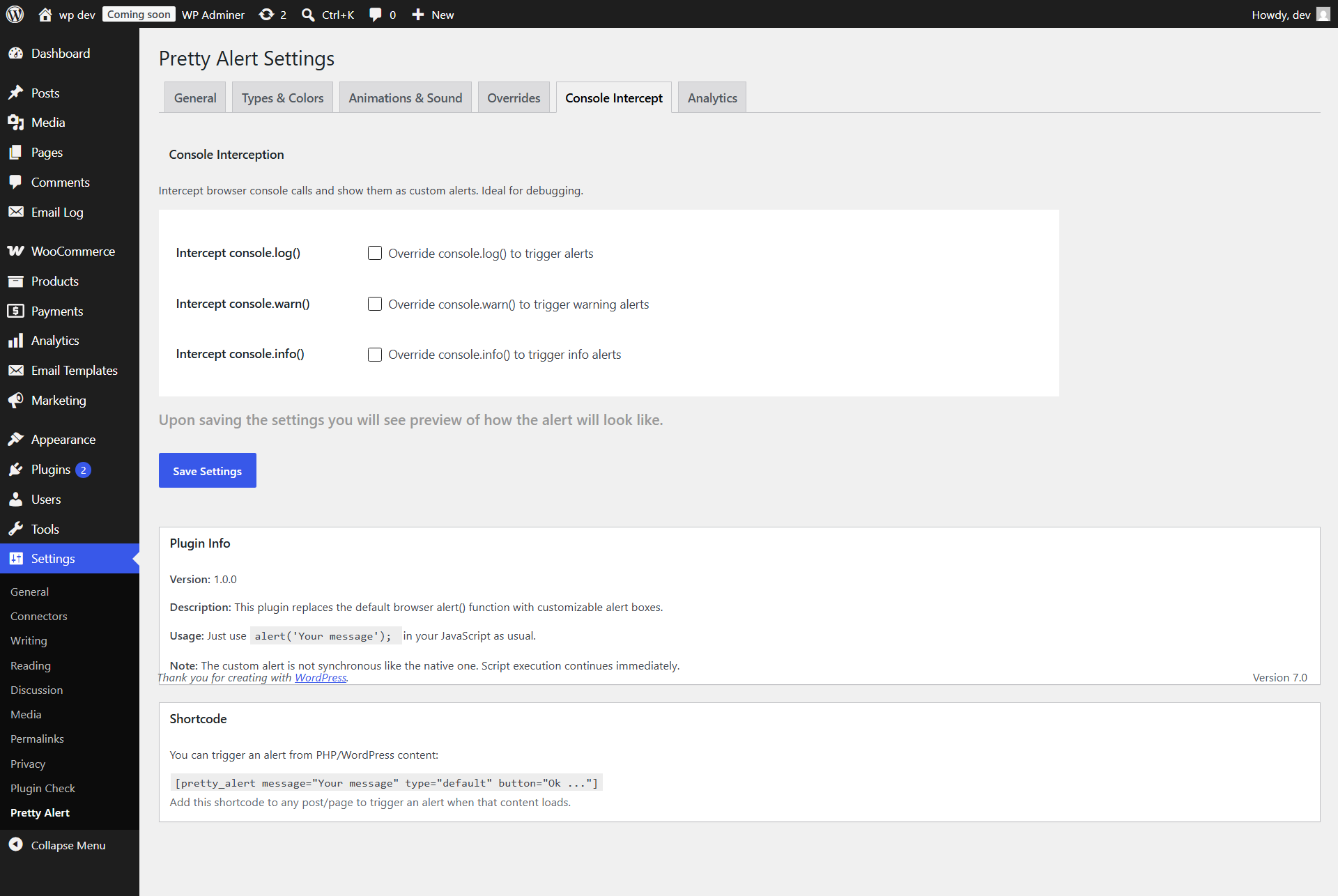
Console Interception: Automatically override console.log(), console.warn(), and console.info() to trigger custom alert modals
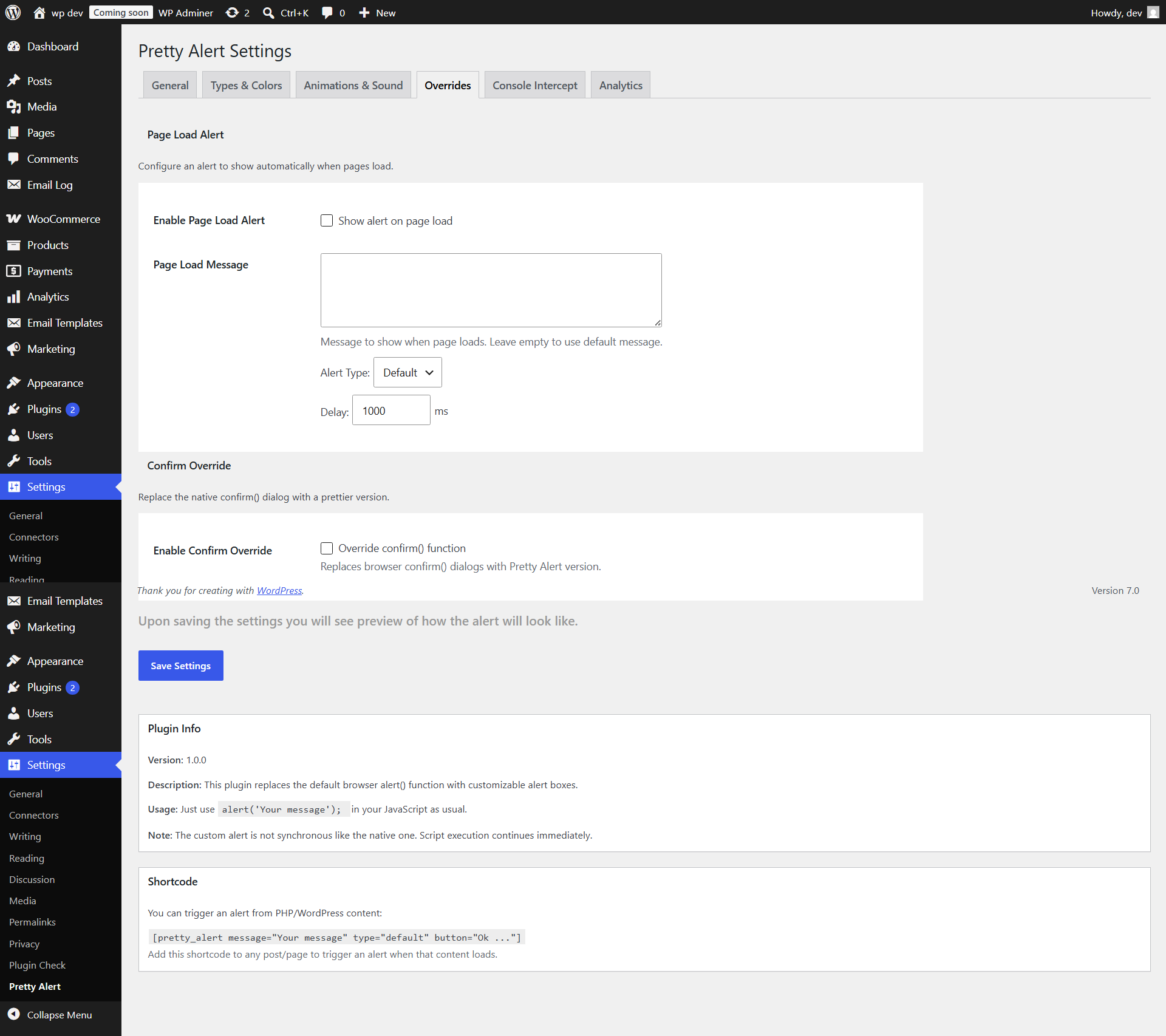
Confirm Override: Prettier window.confirm() dialogs returning Promises
Tabbed Admin UI: Tab-based settings dashboard for an organized administration experience
Customizable Button Text: Change the „OK“ button text to anything you want
Multilingual Ready: Full translation support with .pot file included
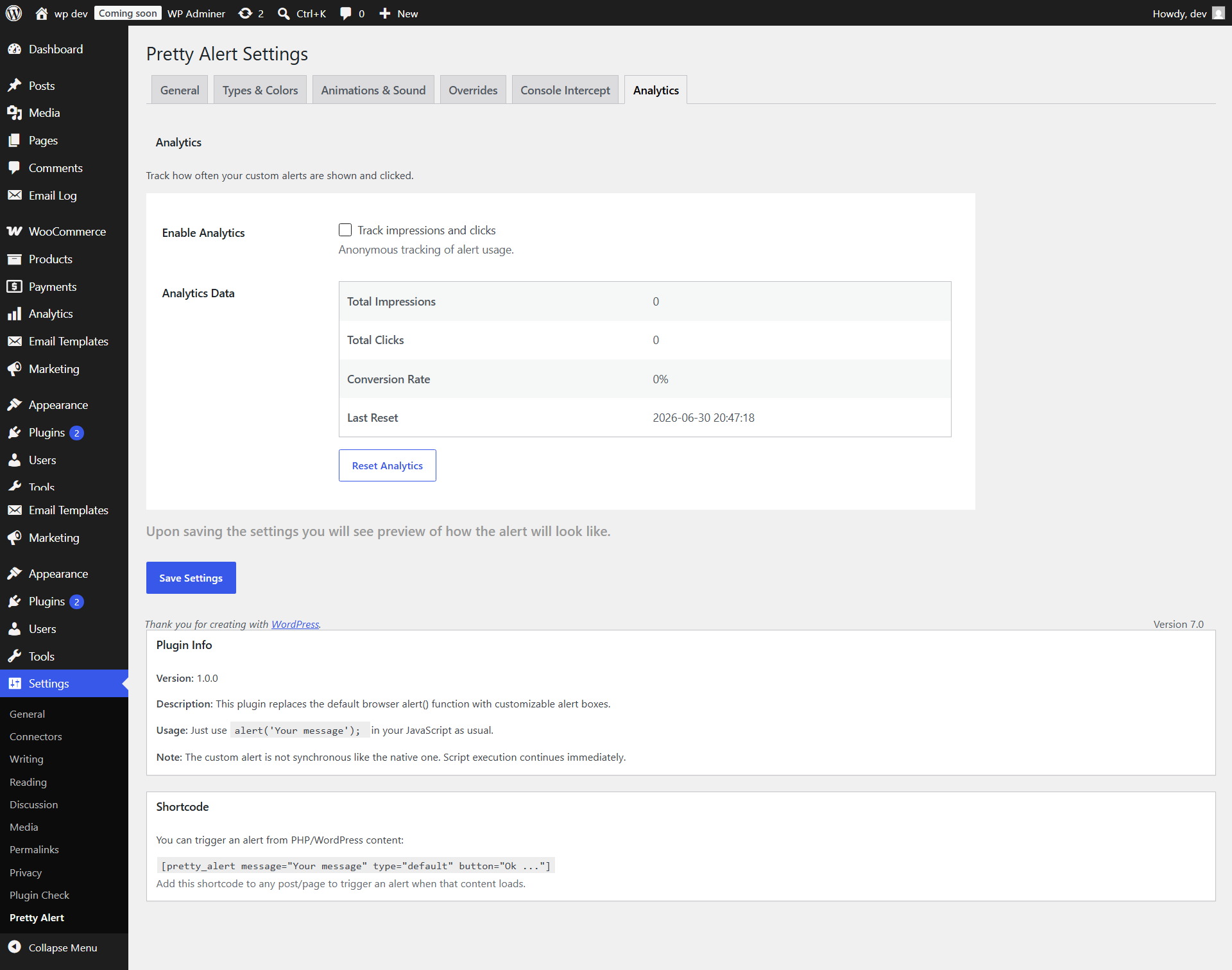
Analytics Tracking: Track impressions and clicks (optional)
Display Rules: Show alerts only on specific pages or post types
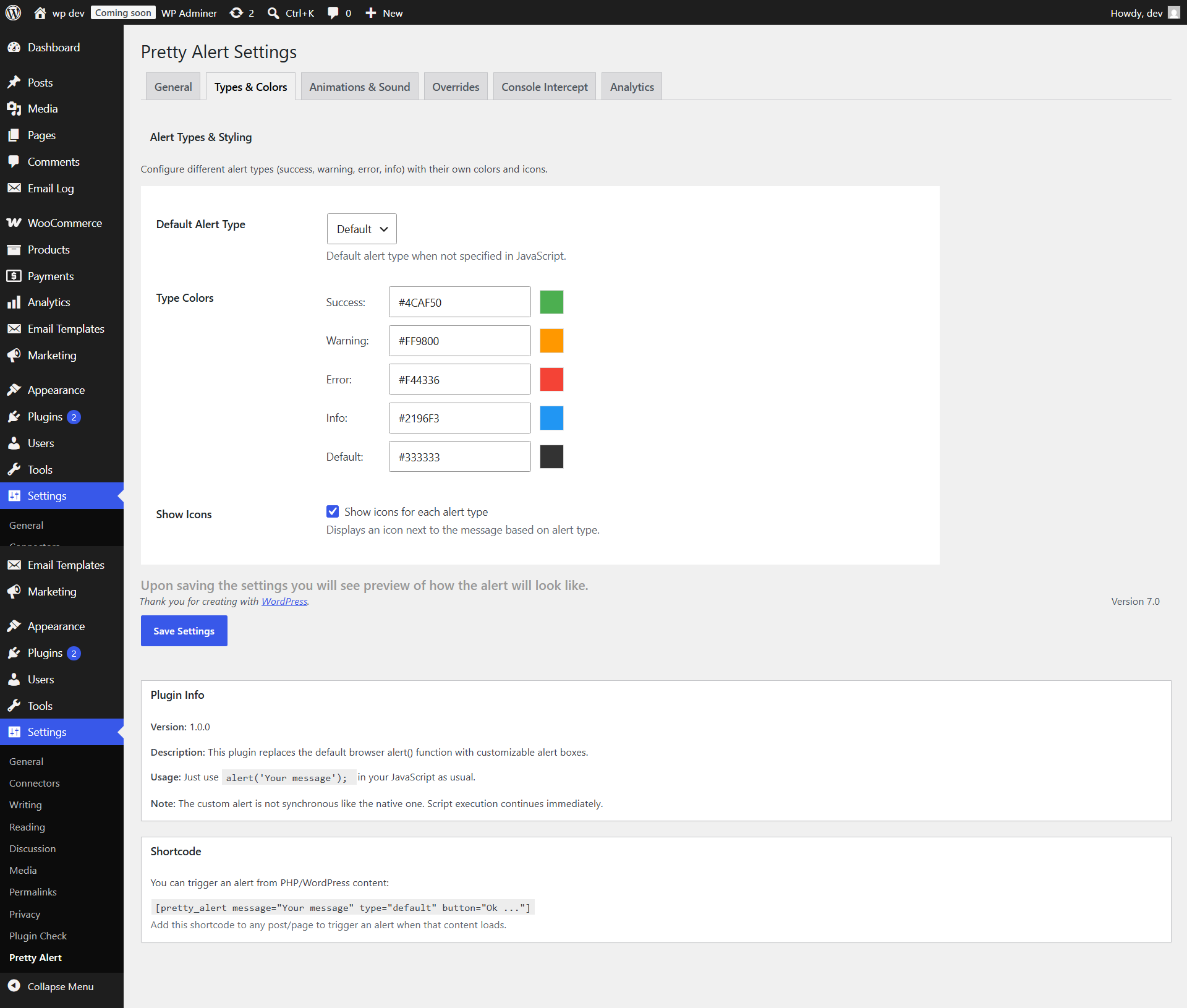
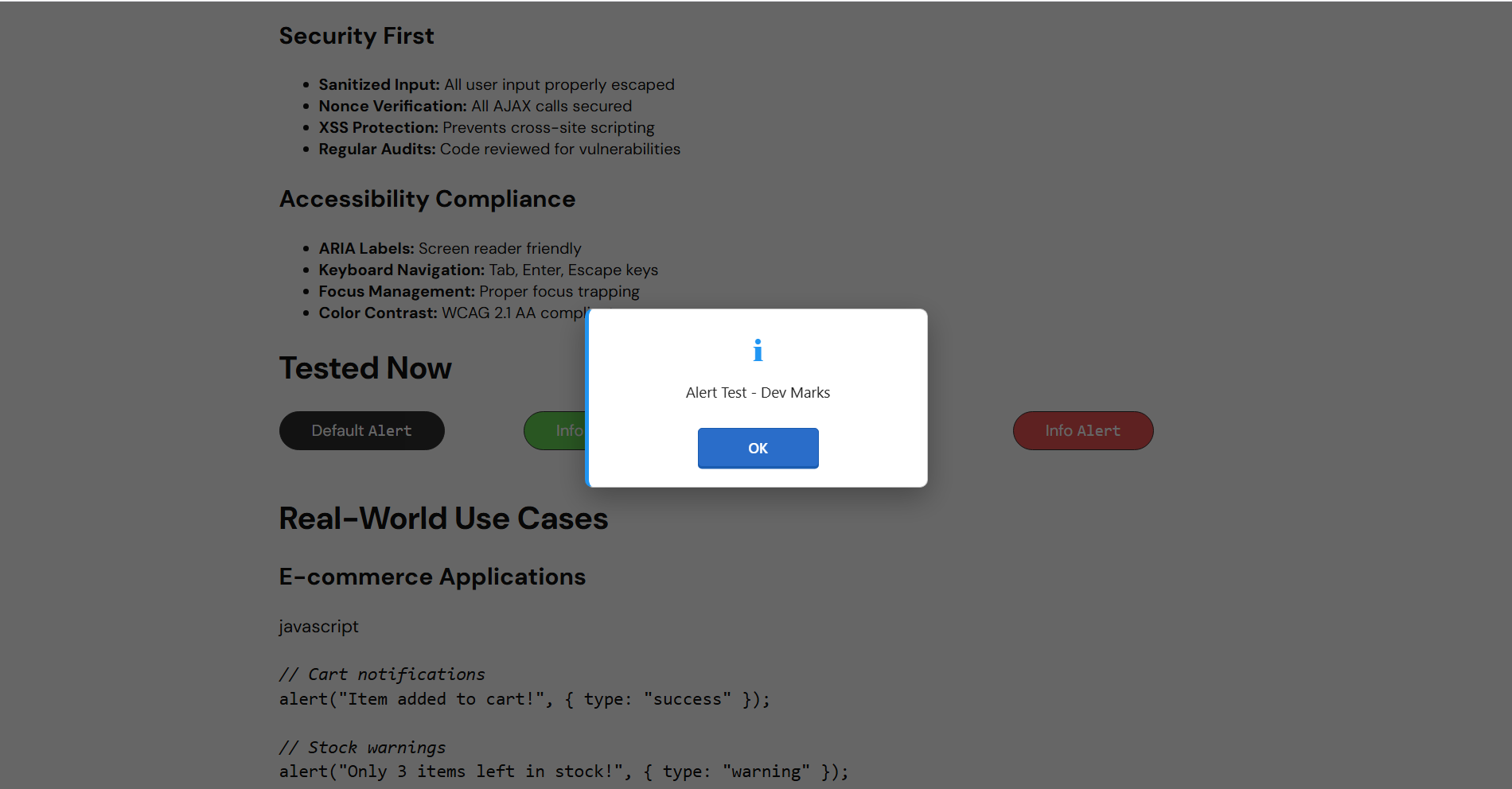
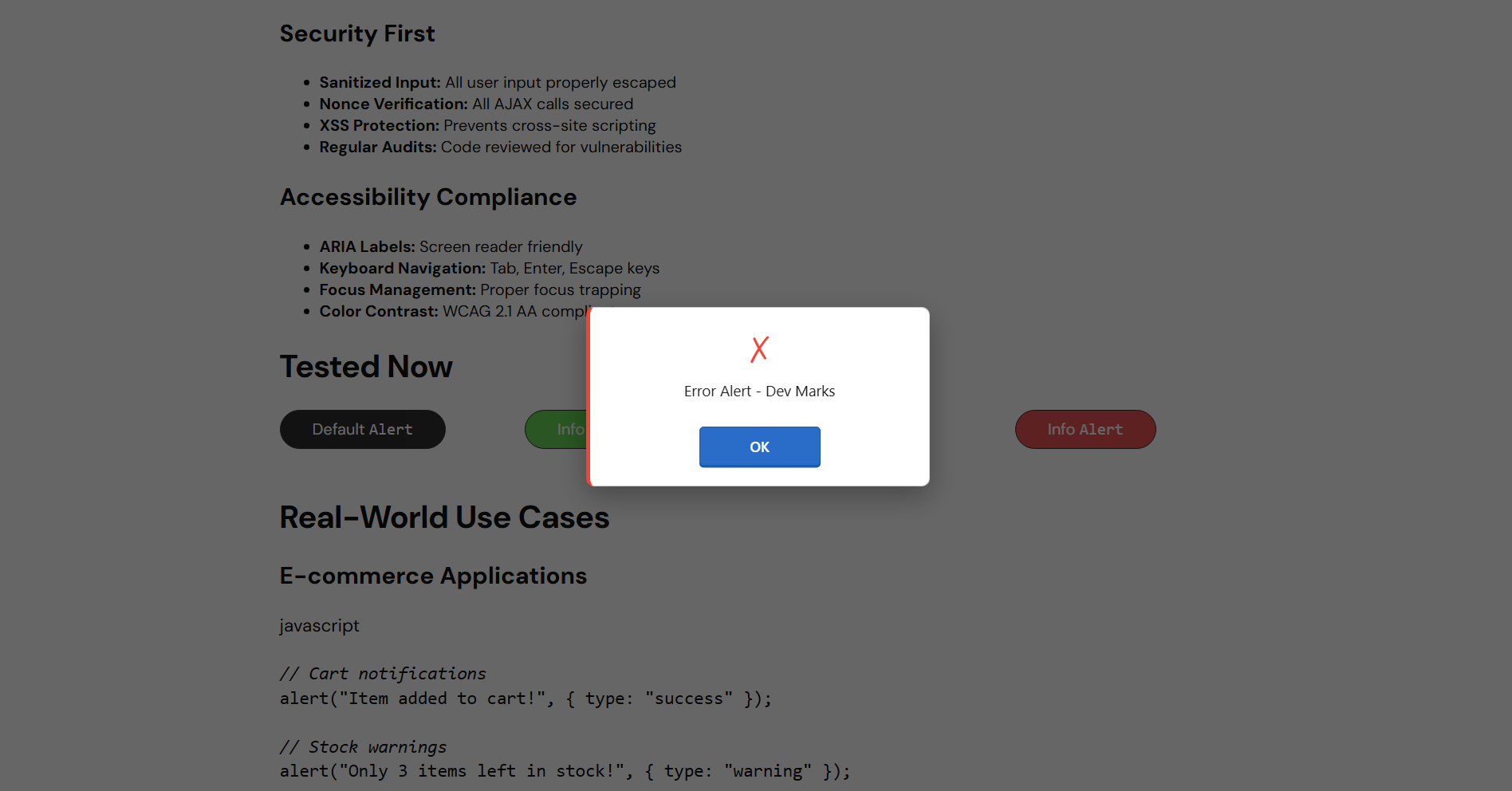
Alert Types: Success, Warning, Error, Info alerts with different colors/icons
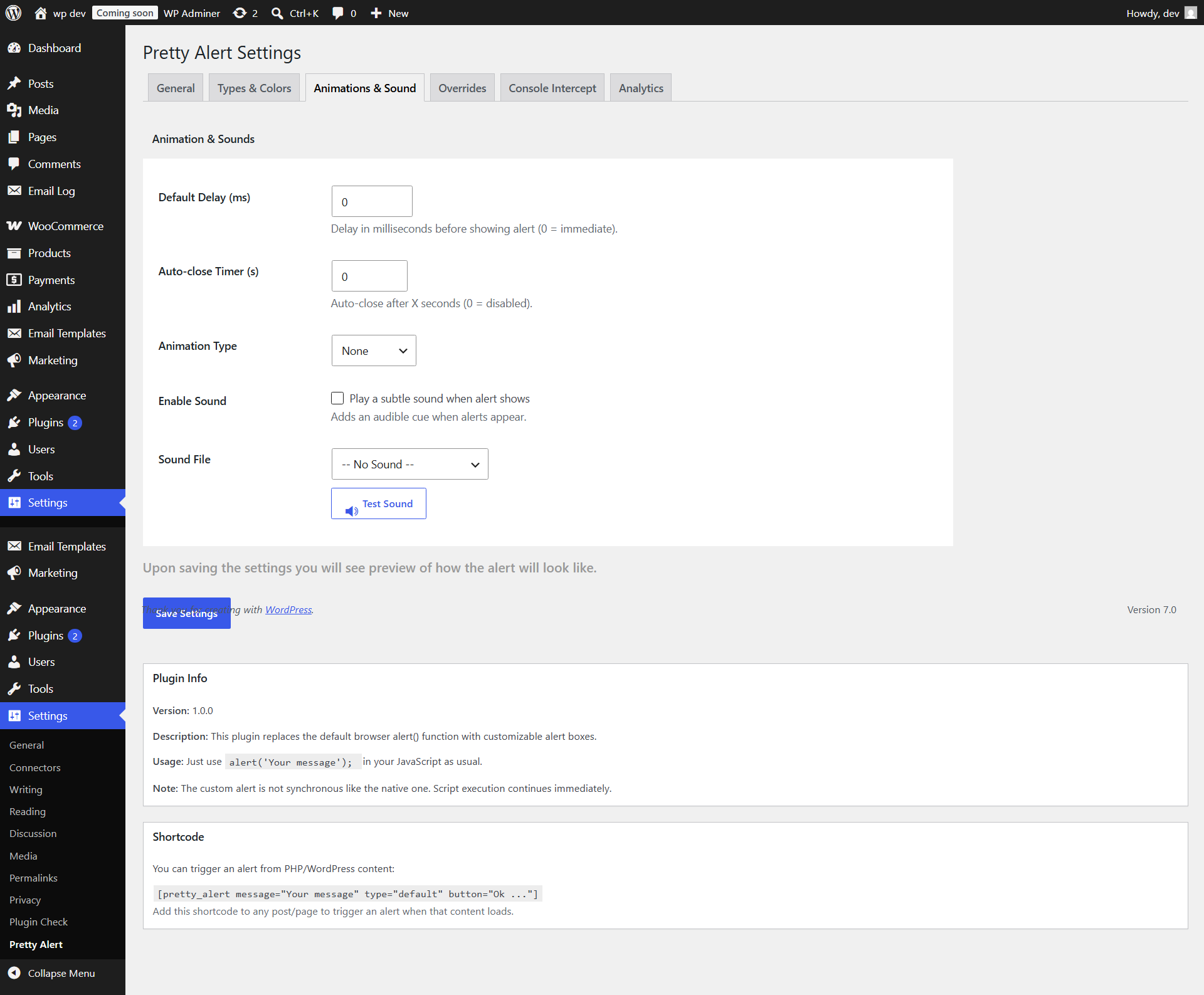
Sound Alerts: Optional sound notifications
Delay Options: Set delays before alerts appear
Animations: Fade, slide, zoom, and bounce animations
Auto-close Timer: Set alerts to auto-close after X seconds
Shortcode Support: [pretty_alert message="Your message"]
Fully Responsive: Works on all screen sizes
Accessibility Ready: ARIA labels, keyboard navigation, screen reader support
Page Load Alerts: Show alerts automatically when pages load
How It Works
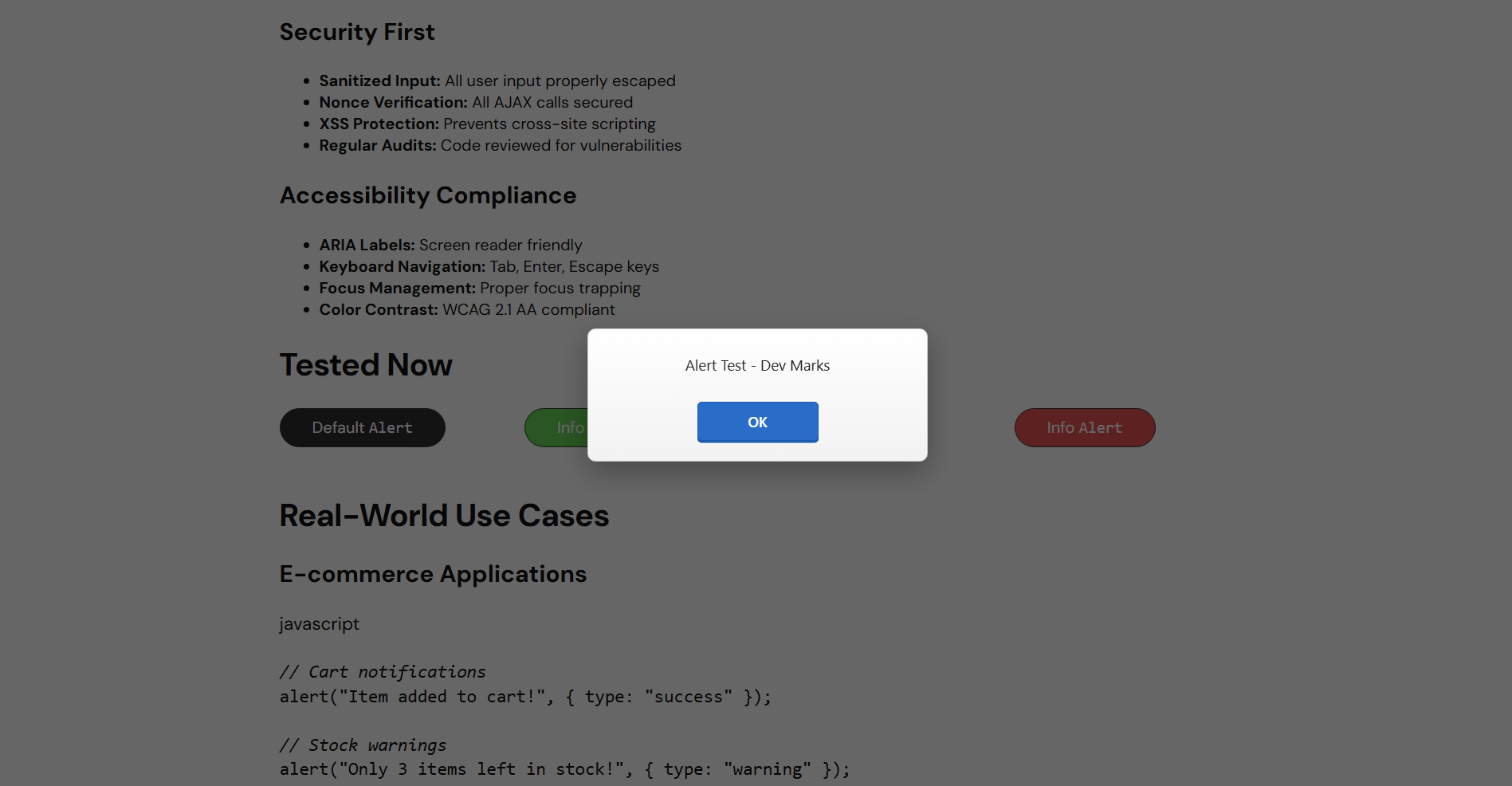
Pretty Alert hooks into the native window.alert() function and replaces it with a custom implementation. When your JavaScript code calls alert("message"), it automatically shows your beautiful custom alert instead of the browser’s default one.
Important Note: The custom alert is not synchronous like the native one. Script execution continues immediately after showing the alert. This is actually better for user experience but different from the blocking behavior of native alerts.
Translations
-
Pretty Alert is fully translation ready! Included languages:
-
English (default)
Want to contribute a translation?
Copy languages/pretty-alert.pot to pretty-alert-[locale].po
Translate all strings using Poedit or similar tool
Compile to .mo file
Submit your translation or place in /wp-content/languages/plugins/
Snímky obrazovky
Instalace
- Upload the
pretty-alertfolder to the/wp-content/plugins/directory - Activate the plugin through the ‚Plugins‘ menu in WordPress
- Go to Settings Pretty Alert to configure your alert settings
- That’s it! Your
alert()calls will now show beautiful dialogs
Nejčastější dotazy
-
Does this break my existing JavaScript code?
-
No! Pretty Alert is designed to be a drop-in replacement. Your existing
alert("message")calls will continue to work, but will show the beautiful custom alert instead. -
Why does the script continue running after my alert?
-
The native
alert()function blocks JavaScript execution until the user clicks OK. This is terrible for user experience. Pretty Alert uses an asynchronous approach that doesn’t block execution. If you need to run code after the user closes the alert, use the callback function:`javascriptalert(„Are you sure?“, {
success: function() {
console.log(„User clicked OK!“);
// Your code here
}
}); -
Can I use different alert types?
-
Yes! You can create different types of alerts:
javascript
// Basic alert
alert(„Default alert“);// Success alert
alert(„Operation completed!“, { type: „success“ });// Warning alert
alert(„Warning!“, { type: „warning“ });// Error alert
alert(„Something went wrong“, { type: „error“ });// Info alert
alert(„Information“, { type: „info“ }); -
How do I test the alerts?
-
Go to Settings Pretty Alert
Click the „Test Alert“ button
You can also test directly in browser console:
javascript
alert(„Test message“); -
Can I restore the original alert() function?
-
Yes, if needed:
javascript
alert.restore(); -
Can I use HTML in alert messages?
-
By default, messages are escaped for security. If you need HTML, you can enable it in the settings or use the custom content option.
-
Does it work with page builders?
-
Yes! Pretty Alert works with Elementor, Gutenberg, WPBakery, and other page builders. You can also use the shortcode [pretty_alert] in any content area.
-
Can I show alerts only to logged-in users?
-
Yes! Use the Display Rules in settings to control where alerts appear.
-
Can I intercept console.log, console.warn, and console.info calls?
-
Yes! In the „Console Intercept“ settings tab, you can enable override options. Once enabled, calls like
console.log("data")will trigger custom alert boxes on the page, perfect for debugging or visibility. Original browser console outputs are preserved.
Recenze
Pro tento plugin nejsou žádné recenze.
Autoři
Pretty Alert je otevřený software. Následující lidé přispěli k vývoji tohoto pluginu.
Spolupracovníci
Přeložte “Pretty Alert” do svého jazyka.
Zajímá vás vývoj?
Prohledejte kód, podívejte se do SVN repozitáře, nebo se přihlaste k odběru protokolu vývoje pomocí RSS.
Přehled změn
1.1.0
- Added 5 new premium themes (Sleek Dark, Glassmorphism, Cyberpunk, Minimalist, Royal Luxury)
- Added console interception support (console.log, console.warn, console.info)
- Added clean tab-based settings navigation in the WordPress admin panel
- Redesigned and optimized alert icons with badges, borders, and hover micro-animations
- Resolved multiple security issues and added strict nonces and capabilities checks
1.0.0
Initial release
-
5 beautiful themes (Classic, Basic, Clean, Pro, Native)
-
Analytics tracking with CSV export
-
Display rules for pages/post types
-
Multiple alert types (success, warning, error, info)
-
Sound notifications
-
Animation effects
-
Auto-close timer
-
Page load alerts
-
Shortcode support
-
Full RTL and accessibility support
-
Translation ready (.pot file included)