

Popis
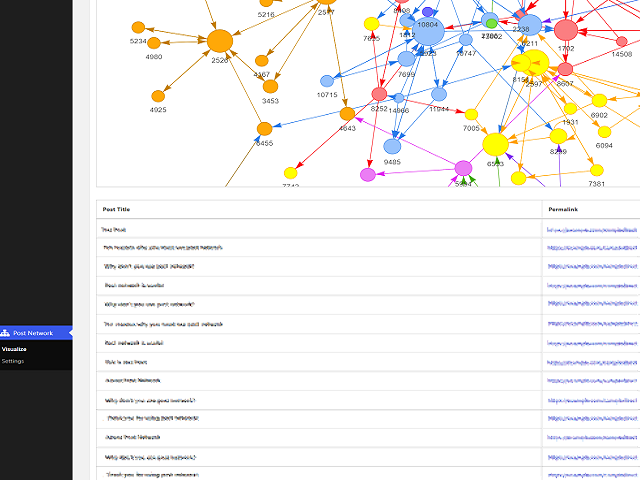
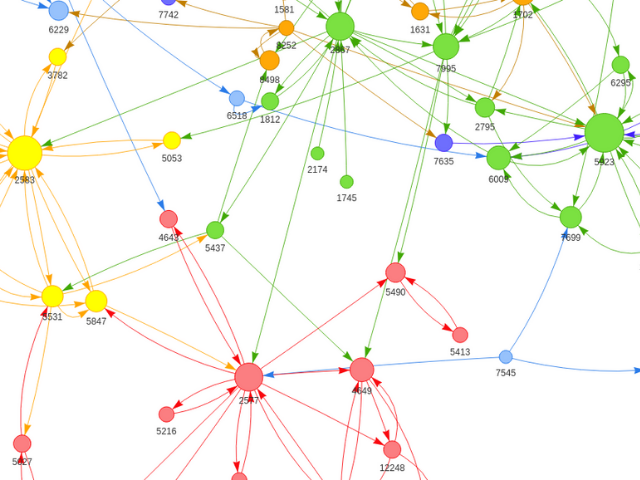
Post Network makes it easier to find isolated articles on your site by visualizing internal links in graphs, helping to improve user flow and SEO.
Usage
After installing the plugin, select
„Post Network->Visualize“ from the admin panel.
You can also set the options for displaying the graph from
„Post Network->Settings“ in the admin panel.
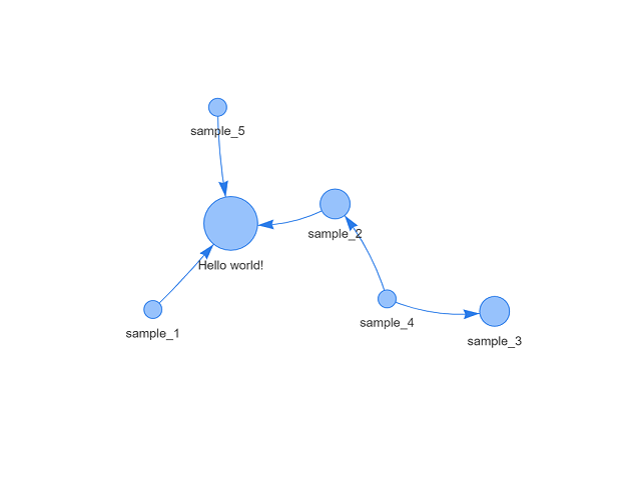
You can display the graph on the frontend by using a shortcode.
Simply add the [post_network] shortcode to the page where you want to display the graph.
Snímky obrazovky
Instalace
- Upload post-network to your /wp-content/plugins/ directory or download through the Plugins page.
- Activate the plugin through the ‚Plugins‘ menu in WordPress.
Recenze
Pro tento plugin nejsou žádné recenze.
Autoři
Post Network je otevřený software. Následující lidé přispěli k vývoji tohoto pluginu.
Spolupracovníci

Plugin „Post Network“ byl přeložen do 1 jazyku. Děkujeme všem překladatelům za jejich pomoc.
Přeložte “Post Network” do svého jazyka.
Zajímá vás vývoj?
Prohledejte kód, podívejte se do SVN repozitáře, nebo se přihlaste k odběru protokolu vývoje pomocí RSS.
Přehled změn
1.6.2
- Fixed a possible recursive shortcode rendering issue when pages containing Post Network shortcodes are included in the graph.
- Added an option to control whether shortcodes are executed while scanning content for links.
- Improved fallback handling for plugin options.
- Fixed node value calculation when the matched node index is 0.
- Improved variable initialization and output escaping.
1.6.1
- Added support for [post-network] shortcode.
1.6.0
- Fixed JavaScript loading errors
- Updated vis-network.js library to version 9.1.2 (Non-compressed version to prevent double-minification issues).
- Code refactoring
- WordPress 6.9
1.5.0
- Added shortcode
- WordPress 6.6
1.4.3
- Fixed some errors
- WordPress 6.4
1.4.2
- Fixed activation error
- WordPress 6.2
1.4.1
- Fixed activation error
- PHP8.0
- WordPress 6.1
1.4.0
- Add „Indicate post status in label“ to setting
- Add „Post type to include“ to setting („Include pages“ option removed)
- WordPress 6.0
1.3.1
- Fixed php notice errors
1.3.0
- Add „Include pages“ option to setting
- Hooks added
- Fixed php notice errors
- Code refactoring
1.2.0
- Add „None“ option to Graph label
- Display loading icon while drawing the graph
- Add link to settings on the plugin page
- Code refactoring
1.1.0
- Add „Include published post only“ to setting
- Graphs color-coded by post category
- Display post title on hover to each node
- WordPress 5.9