

Popis
With Admin Tweaks you’ll be able to simplify and make deep customizations in the administrative interface.
It’s a compilation of hooks for enhancing, styling and reducing WordPress backend.
Do you like to adjust and style the backend as much as the frontend?
So, we are together!
Main Features
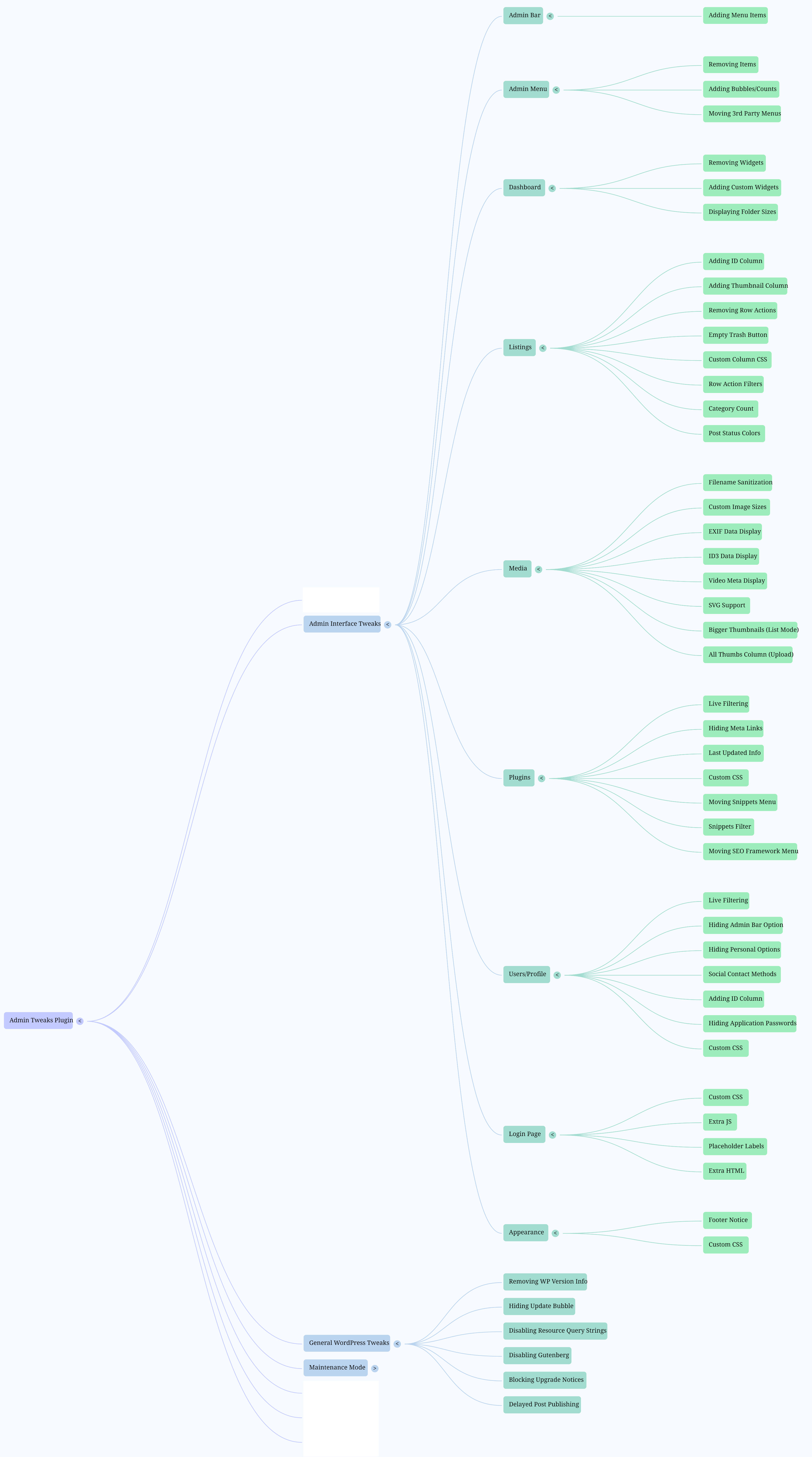
- Admin Bar: remove, add and modify menu items.
- Admin Menus: remove menu and submenu items; sort Settings menu; rename „Posts“.
- Appearance: hide general elements; create admin notices.
- Dashboard: remove and add widgets.
- General Settings: enable arcane Link Manager; privacy; other misc options.
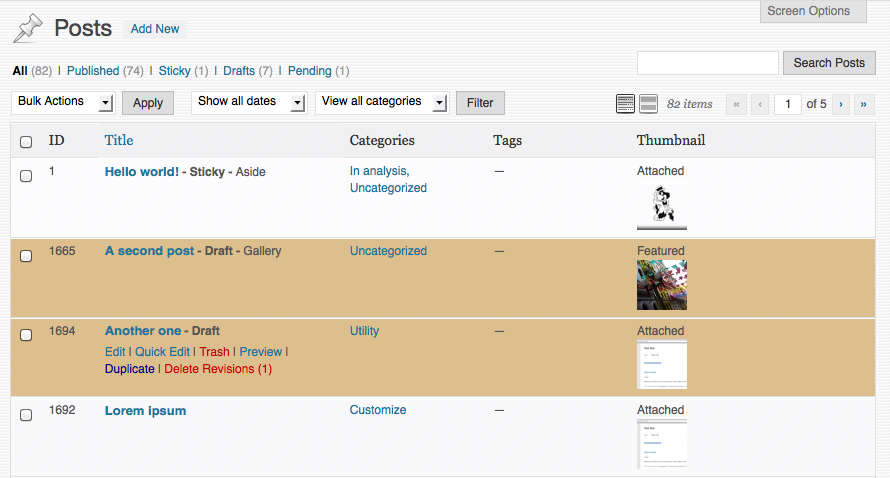
- Listings: customize rows and columns for post types, users and plugins.
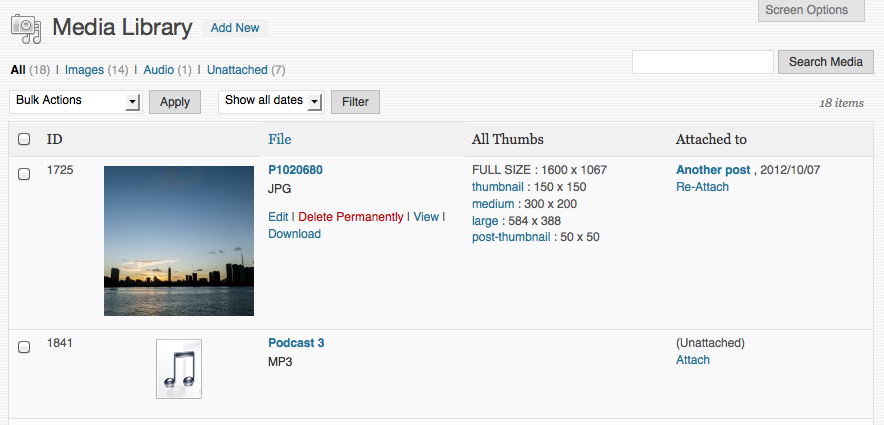
- Media: custom columns; re-attachment; sanitize filenames; jpeg quality; audio/photo/video metadata.
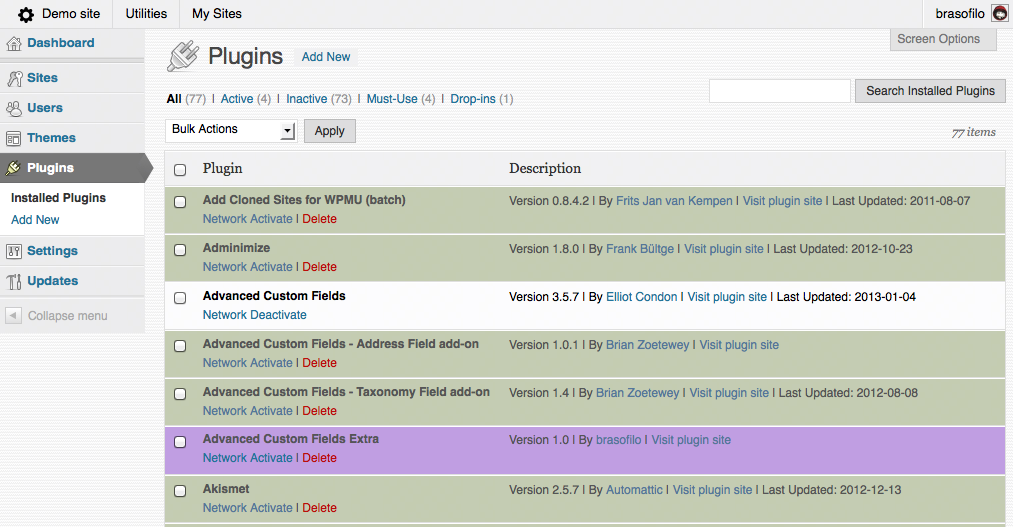
- Plugins: many row modifications; live filter by keyword/active/inactive; move plugins menus from the main menu into the Tools menu (Code Snippets, The SEO Framework, Hide Admin Notices).
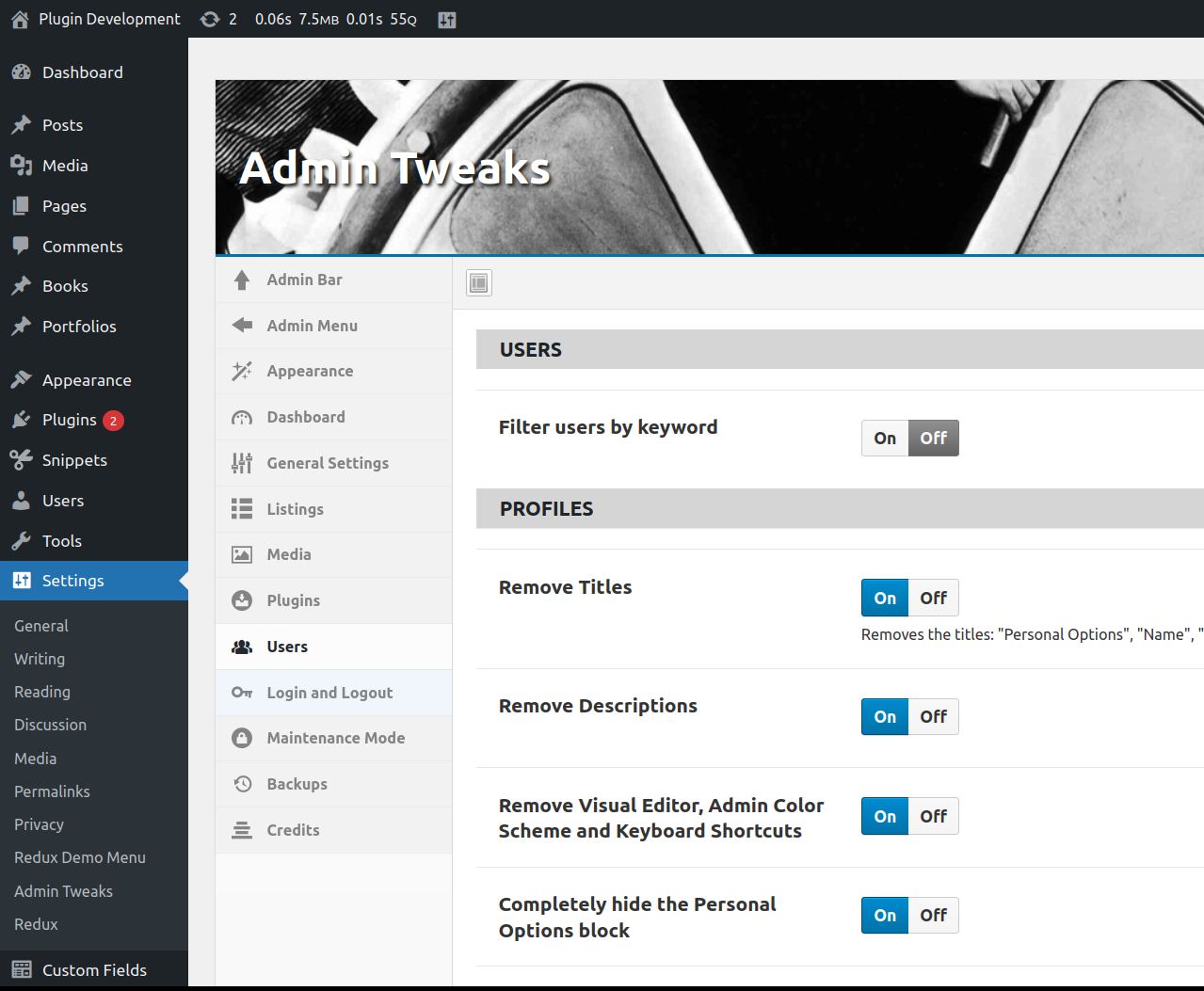
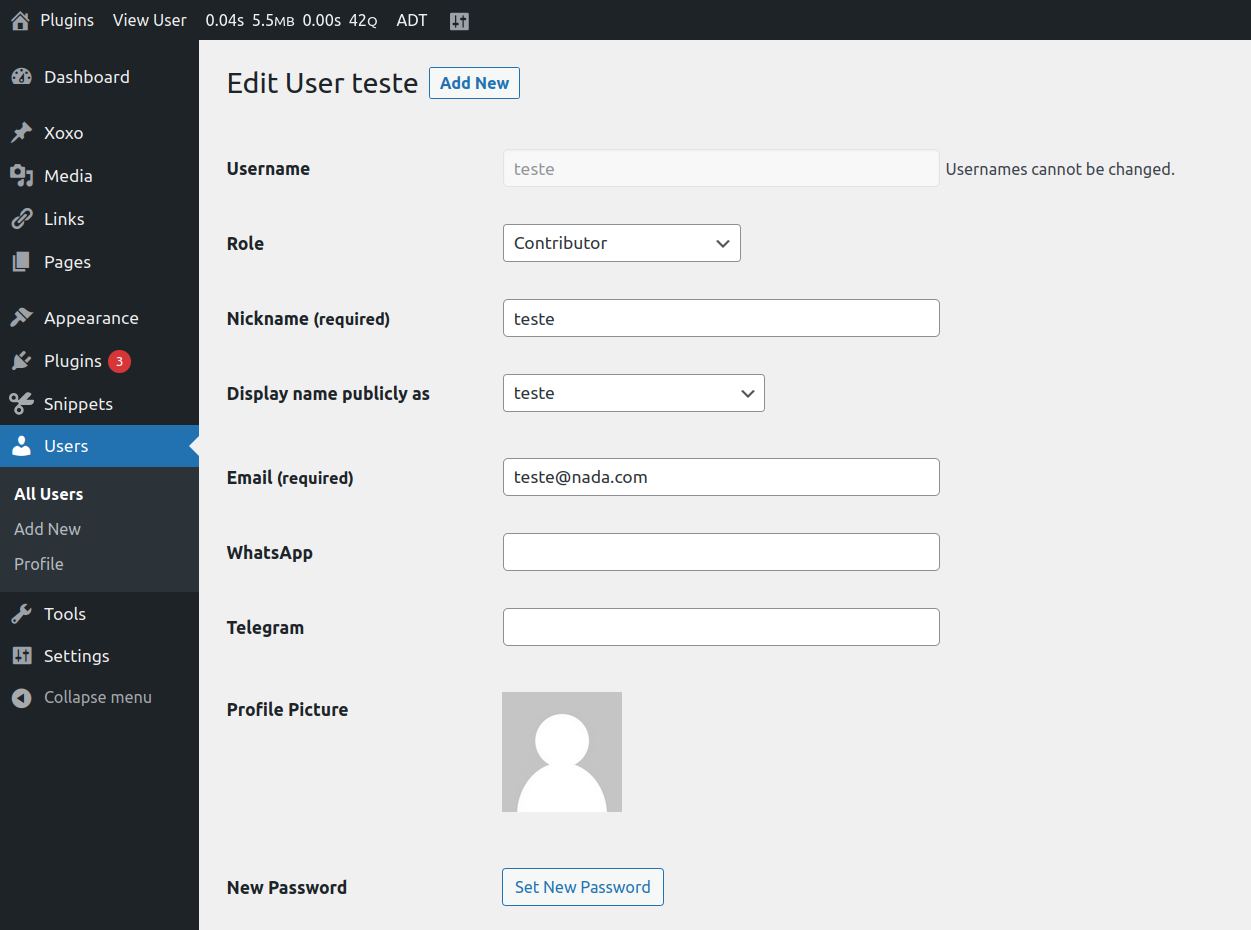
- User Profile: remove almost everything; add custom CSS.
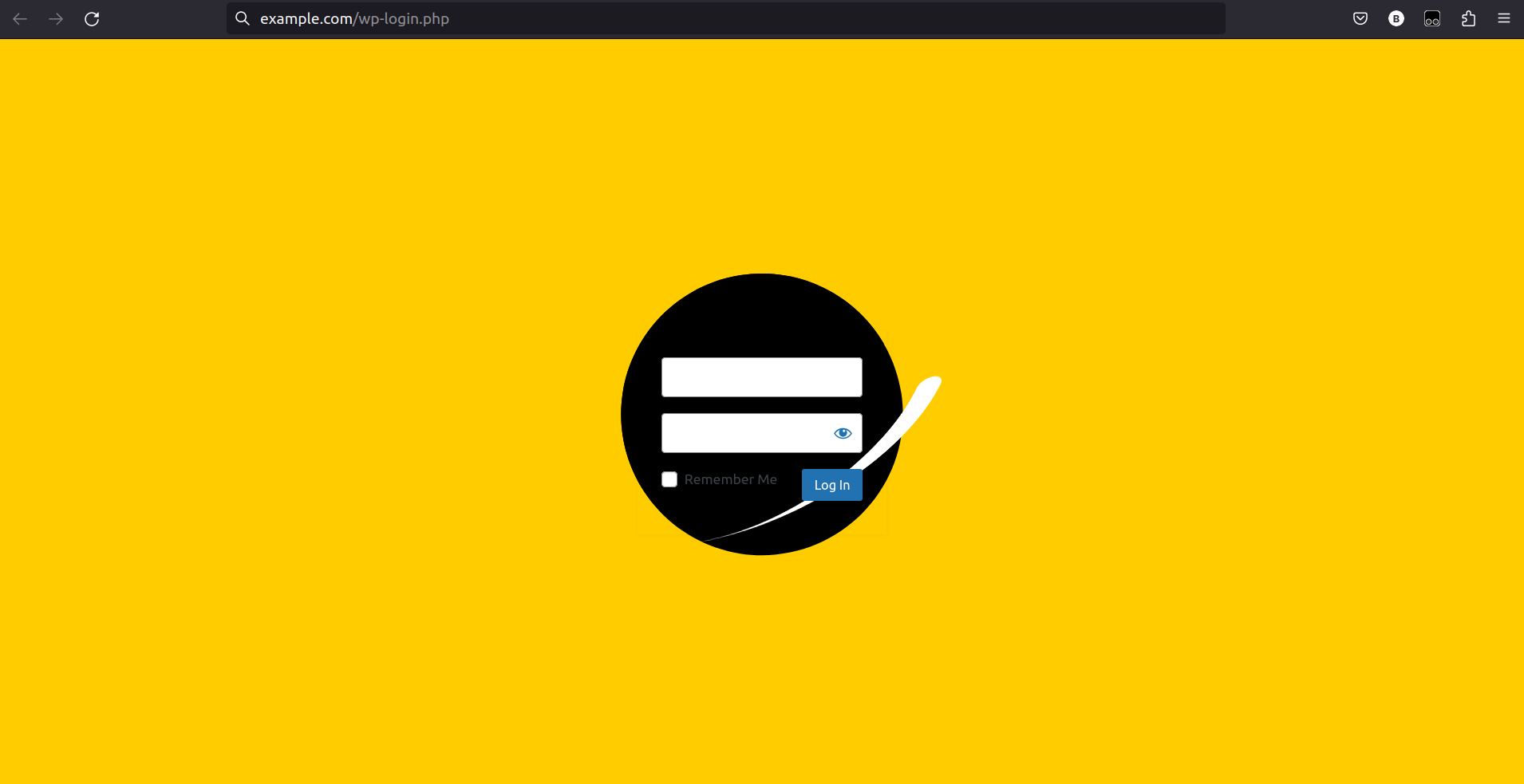
- Login: redirects; errors; modify almost everything; add custom CSS.
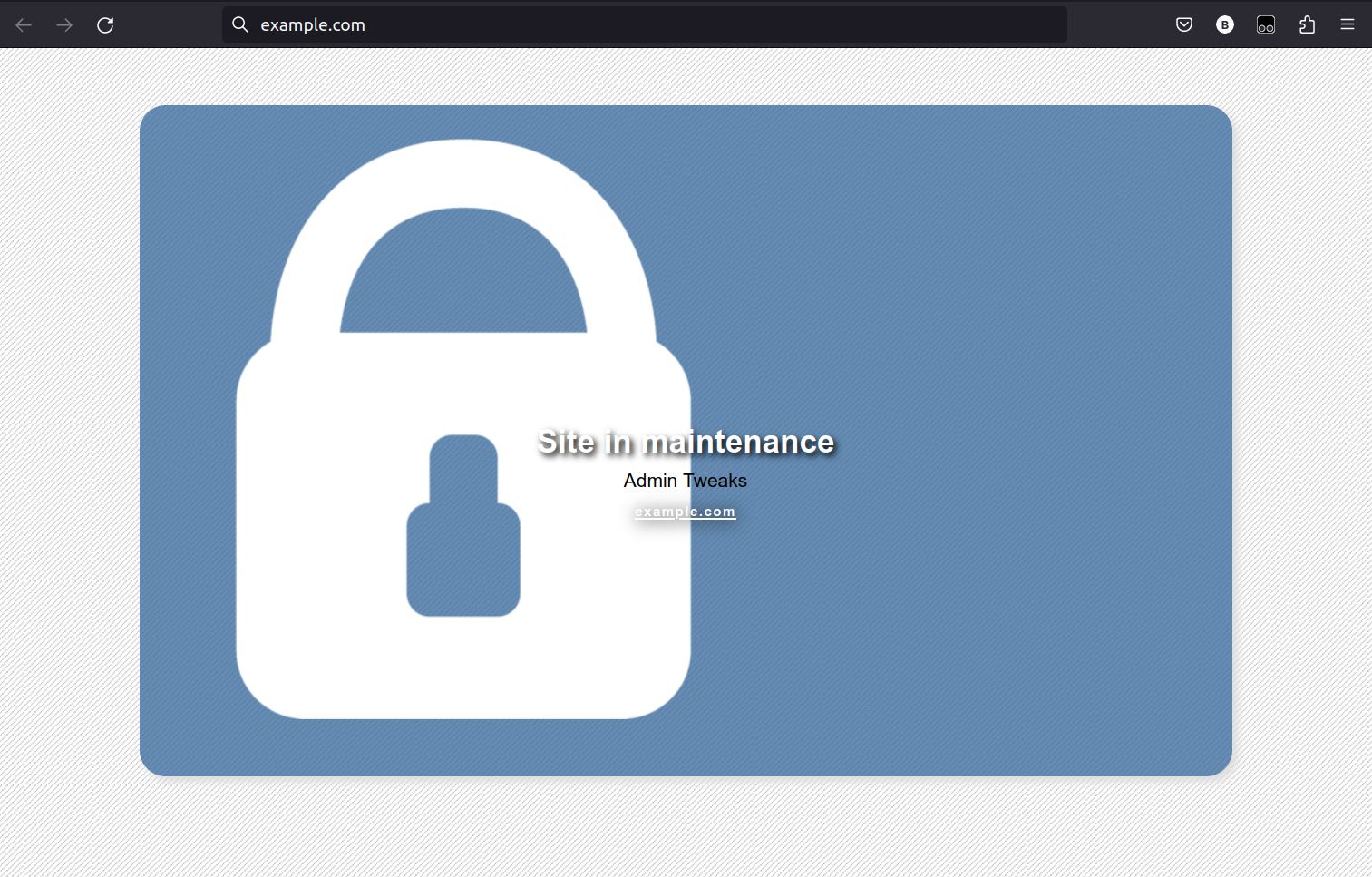
- Maintenance Mode: with minimum Role allowed and possibility to block only the backend.
Acknowledgments
- Everything changed after WordPress Stack Exchange
- Plugin interface using @bainternet’s Admin Page Class
- CSS for hiding help texts adapted from Admin Expert Mode
- Everything started with Adminimize, by Frank Büeltge, which does an awesome job hiding WordPress elements, but I wanted more, and these are some of the great resources where I found many snippets: Stack Exchange, WPengineer, wpbeginner, CSS-TRICKS, Smashing Magazine, Justin Tadlock…
- The option to hide the help texts from many areas of WordPress uses the CSS file of the plugin Admin Expert Mode, by Scott Reilly.
Snímky obrazovky
Instalace
- Upload
many-tips-together.zipto the/wp-content/plugins/directory. - Activate the plugin through the Plugins menu in WordPress.
- Go to Settings -> Admin Tweaks and have fun.
Uninstall
The ‚reset‘ button doesn’t delete the database entry, but if you delete the plugin, the entry will be deleted (via unsinstall.php)
Nejčastější dotazy
-
Why Many Tips Together? And why change its name to Admin Tweaks?
-
The first version of the plugin was a compilation of snippets.
It evolved to a General Admin Tweak plugin.
Most of the users who left feedback complained about it: too cryptic and hard to find.
Well, I agree, but I’m just changing the Display Name.
The Repository URL, Directory Name and Database Option Name are still keep original name. -
Login CSS
-
Look for inspiration at CodePen.io.
-
Doubts, bugs, suggestions
-
Don’t hesitate in posting a new topic here in WordPress support forum.
Recenze


Autoři
Admin Tweaks je otevřený software. Následující lidé přispěli k vývoji tohoto pluginu.
Spolupracovníci
Přeložte “Admin Tweaks” do svého jazyka.
Zajímá vás vývoj?
Prohledejte kód, podívejte se do SVN repozitáře, nebo se přihlaste k odběru protokolu vývoje pomocí RSS.
Přehled změn
Version 3.3.3
- Improved plugin filtering: better show/hide descriptions
Version 3.3.2
- Bug fixes
Version 3.3
- Added option to not create attachment pages automatically
- Code reviewed and small bugs fixed
- Removed ACF menu handling
Version 3.2.1
- Admin Menu: option to Re-add the Customize submenu if your theme removes it
- Admin Menu: bug fix for submenus not being listed on Remove Submenu Items
- Post Edit: option to disable fullscreen editor at startup
Version 3.2
- Gutenberg: new option to disable Gutenberg editor on Posts and Pages
- Adjusted mobile CSS
- Updated Redux Framework
Version 3.1
- Admin Bar: improved „Remove default items“
- Admin Menu: new option to remove submenus
- Admin Menu: new option to move third party to the submenu Tools: ACF, Code Snippets and Notification Center
Version 3.0.5
- Fix CSS error
Version 3.0.4
- Updated Redux Framework
- Added ID columns for Users listing
- Cleaned Multisite features
- Added feature to disable the prompt to confirm admin email
- Better filtering for listings
- Reposition plugins‘ tweaks
Version 3.0.3
- Added the feature Extra HTML on login page
- Added links to code snippets with animated backgrounds for the login page
Version 3.0.2
- Added the feature Blog Visibility warning
Version 3.0.1
- Fixing SVN error
Version 3.0
-
New interface using Redux Framework; reviewed all features, some removed, some updated.
-
Old options loss: the options scheme changed and I didn’t make a migration tool, sorry for that to any lost soul still using version 2.4.1 😐
Version 2.4.1
- Review for WordPress 4.8
Version 2.4
- General revision to update to WP 4.7
- Removed obsolete tweaks
- Bug fixes
Older versions