

Popis
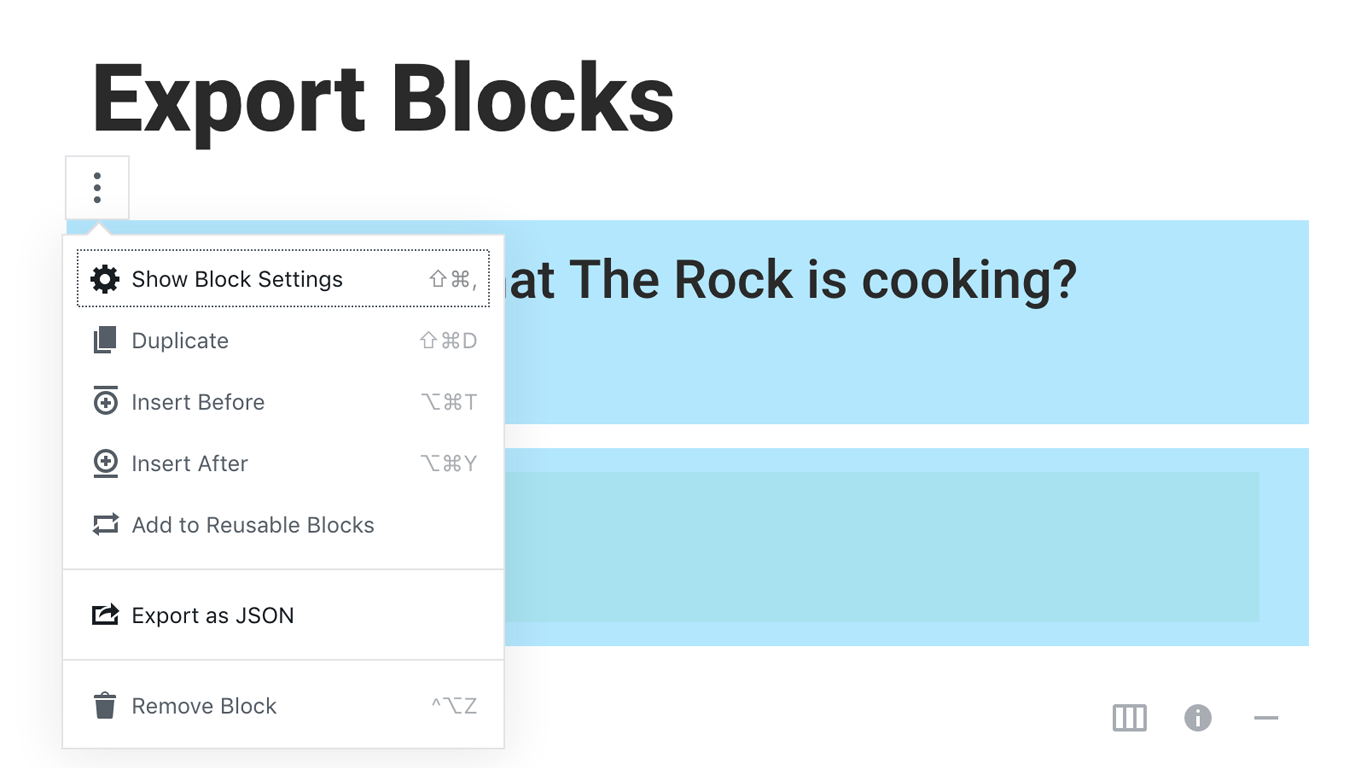
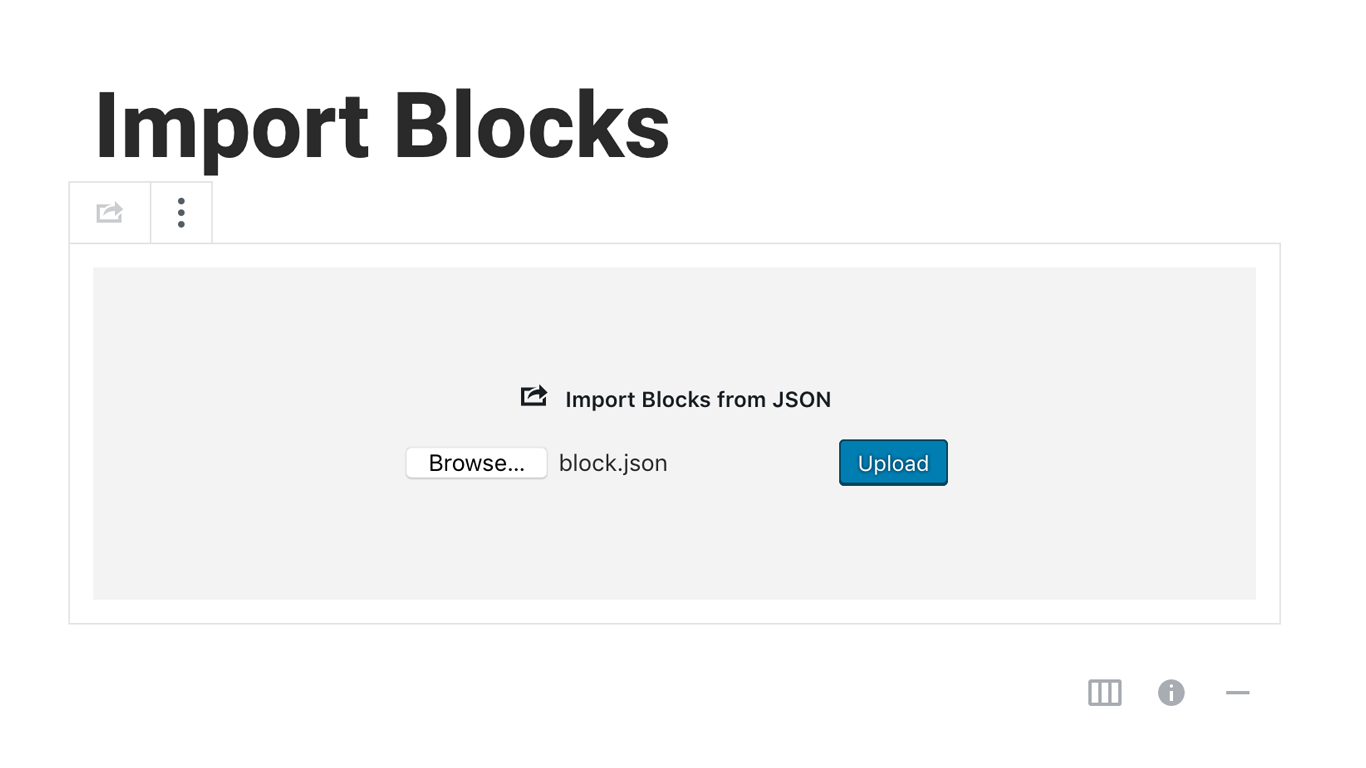
Blocks Export Import plugin allows you to import and export blocks as JSON in Gutenberg Block Editor.
All the code and sources for this plugin are publicly available as part of https://github.com/Codeinwp/otter-blocks.
Snímky obrazovky
Instalace
Activating this plugin is just like any other plugin. If you’ve uploaded the plugin package to your server already, skip to step 5 below:
- Install using the WordPress built-in Plugin installer, or Extract the zip file and drop the contents in the wp-content/plugins/ directory of your WordPress installation.
- Activate the plugin through the ‘Plugins’ menu in WordPress.
- Go to Gutenberg editor and play around with the block.

Autoři
Blocks Export Import – Backup & Move Gutenberg Blocks as JSON je otevřený software. Následující lidé přispěli k vývoji tohoto pluginu.
Spolupracovníci

Plugin „Blocks Export Import – Backup & Move Gutenberg Blocks as JSON“ byl přeložen do 1 jazyku. Děkujeme všem překladatelům za jejich pomoc.
Přeložte “Blocks Export Import – Backup & Move Gutenberg Blocks as JSON” do svého jazyka.
Zajímá vás vývoj?
Prohledejte kód, podívejte se do SVN repozitáře, nebo se přihlaste k odběru protokolu vývoje pomocí RSS.
Přehled změn
You can check the changelog here.