
Popis
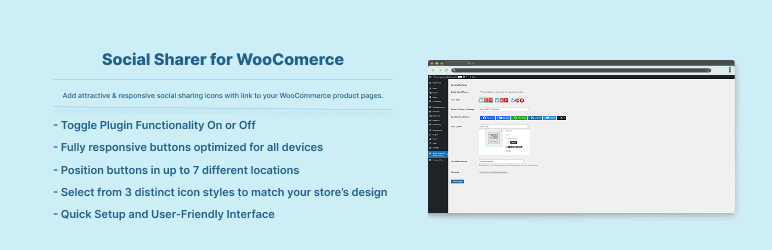
This plugin adds social buttons (twitter, Pinterest, google-plus, LinkedIn, reddit etc. and more) to your product page where user can share your product page to their respective social media site.
Note : Remember Some Social Button doesn’t support sharing.. only Follow button so those who doesn’t support sharing not included…
Features:
- Easily add social sharing buttons to WooCommerce product pages.
- Choose from over 50+ popular social media platforms.
- Fully responsive buttons optimized for all devices.
- Toggle visibility for individual social share buttons.
- Position buttons in up to 7 different locations on the product page.
- Select from 3 distinct icon styles to match your store’s design.
- Add social buttons with a simple click—no coding required.
- Display buttons as icons only or with accompanying social media names.
- Use shortcodes, classic widgets, or block widgets to place buttons anywhere on your site.
Shortcode Usage:
Use shortcode [ssfwc_social_sharing_buttons] to display social icons on your site anywhere.
Block Widget Usage:
Plugin comes with a widget to use in classic or block editor. Go to Widgets or Blocks list and search for ‚Social Sharing Buttons‘ and add it anywhere on your site and it will pick up the settings automatically.
Snímky obrazovky
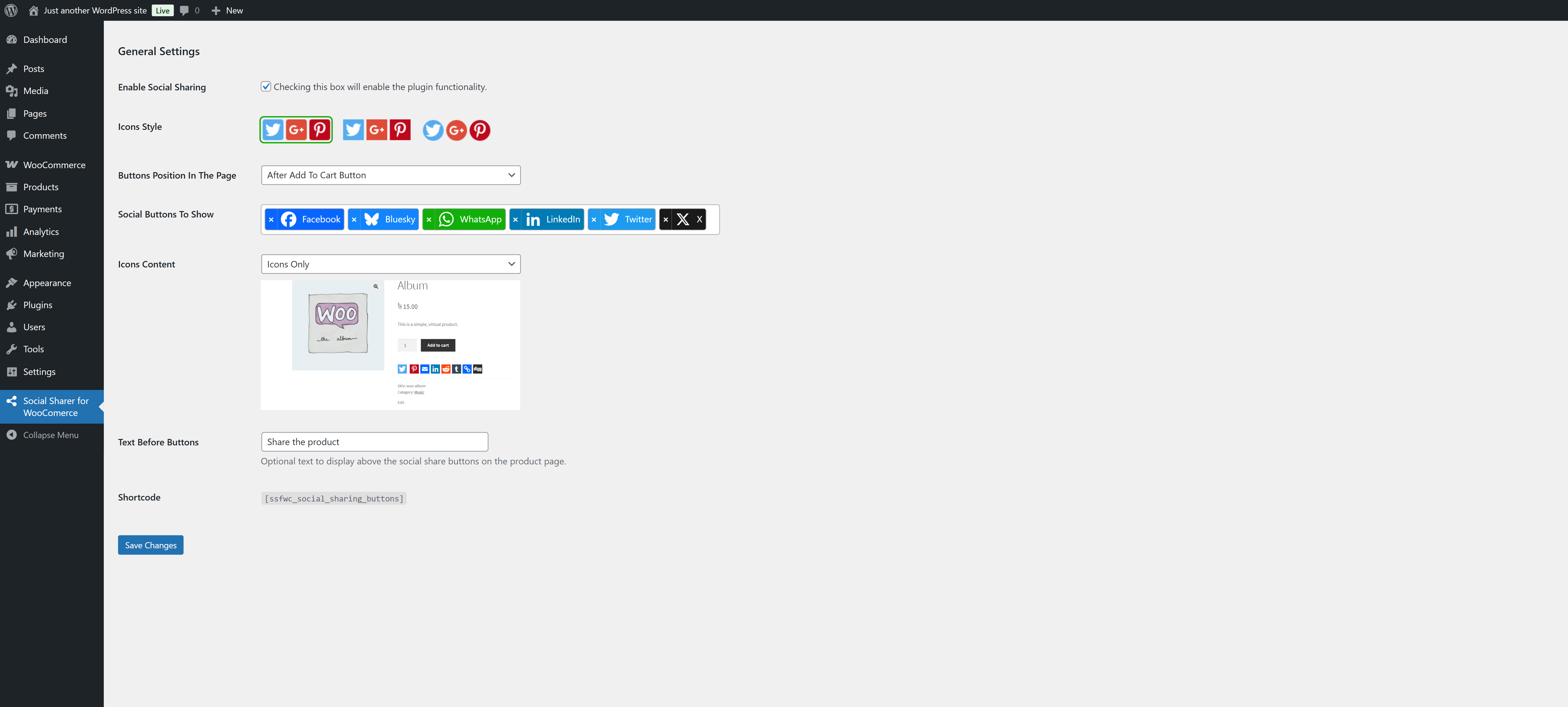
Settings panel for WooCommerce Product Page Social Share Plugin. 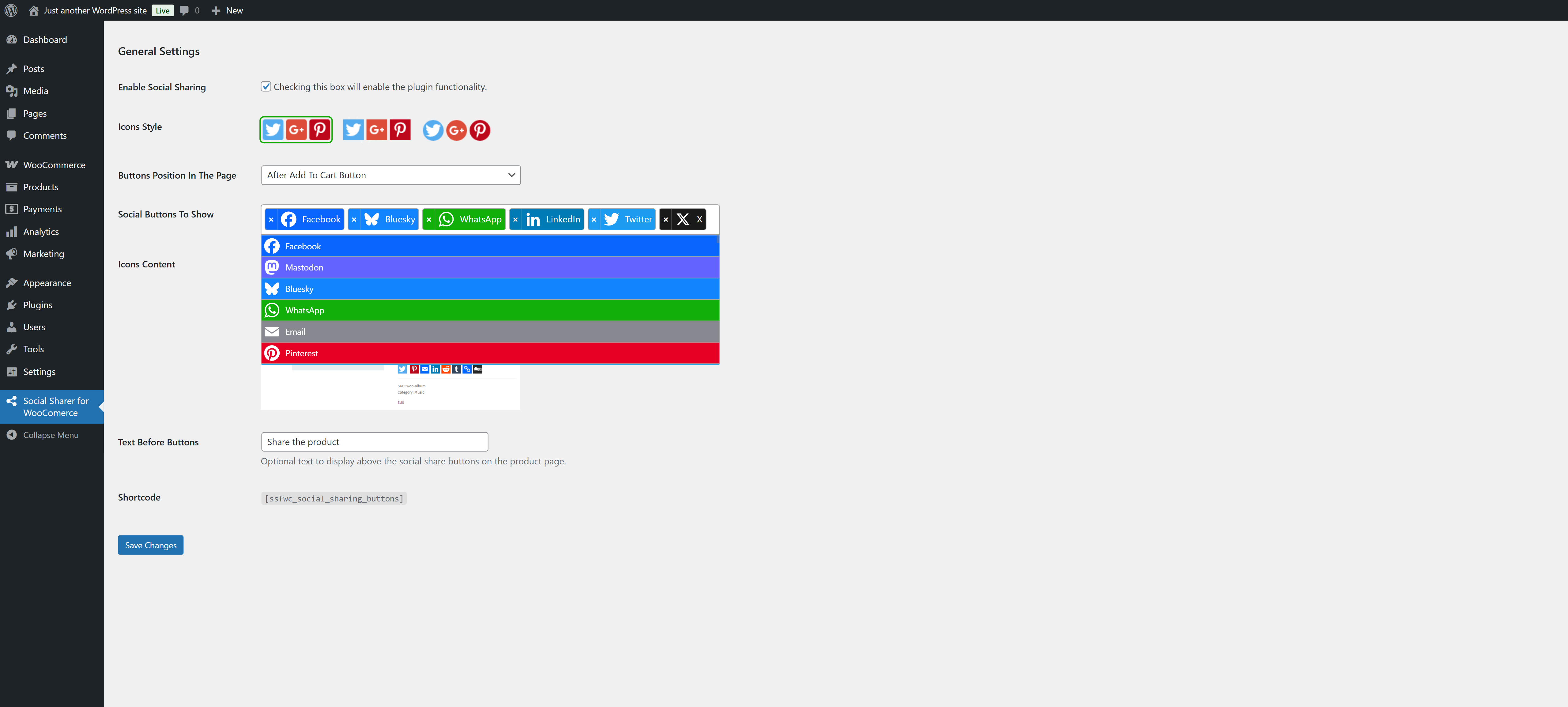
Social Sharing Buttons choosing modal. 
Social Sharing Buttons displayed in product page front (Icons with text before tab). 
Social Sharing Buttons displayed in product page front (Icons only before tab). 
Social Sharing Buttons displayed in product page front (Icons only default). 
Social Sharing Buttons displayed in product page front (Icons with text default). 
Social Sharing Buttons displayed in product page front (Icons only after product image).
Instalace
To add a WordPress Plugin using the built-in plugin installer:
Go to Plugins > Add New.
- Type in the name „Social Sharer for WooCommerce“ in Search Plugins box
- Find the „Social Sharer for WooCommerce“ Plugin to install.
- Click Install Now to begin the plugin installation.
- The resulting installation screen will list the installation as successful or note any problems during the install.
If successful, click Activate Plugin to activate it, or Return to Plugin Installer for further actions.
To add a WordPress Plugin from GitHub repo / plugin zip file :
1. Go to WordPress plugin page
2. Click Add New & Upload Plugin
3. Drag / Click upload the plugin zip file
4. The resulting installation screen will list the installation as successful or note any problems during the install.
If successful, click Activate Plugin to activate it, or Return to Plugin Installer for further actions.
Nejčastější dotazy
-
How to use this plugin?
-
Just after installing Social Sharer for WooCommerce plugin, Go to Social Sharing Menu Page at bottom to adjuct your need.
Update inputs according to your requirement and you are good to go.
Recenze
Pro tento plugin nejsou žádné recenze.
Autoři
Social Sharer For WooComerce je otevřený software. Následující lidé přispěli k vývoji tohoto pluginu.
Spolupracovníci
Přeložte “Social Sharer For WooComerce” do svého jazyka.
Zajímá vás vývoj?
Prohledejte kód, podívejte se do SVN repozitáře, nebo se přihlaste k odběru protokolu vývoje pomocí RSS.
Přehled změn
2.0.2
- Checked for latest wp version 6.9
2.0.1
- Fixed issue: typo giving fatal error
2.0.0
- Checked for latest wp version 6.8, new block widget introduced, settings page updated fro more modern look
1.0.2
- Compatibility check for wp v6.6
1.0.1
- Compatibility check for wp v6.3
1.0.0
- Initial release.