
Popis
Editor UI Tools enhances your WordPress editing experience by providing productivity controls for the Block Editor (Gutenberg):
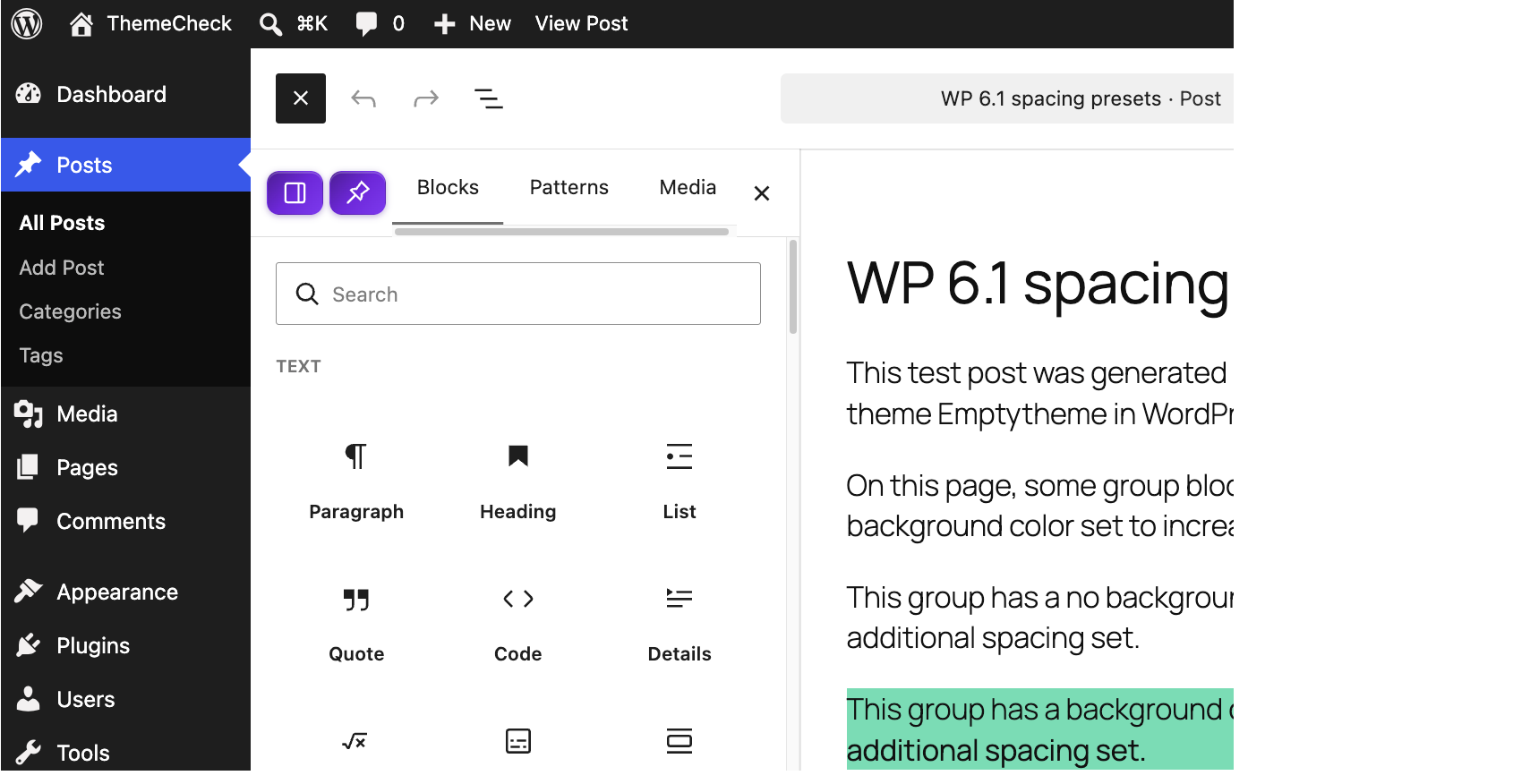
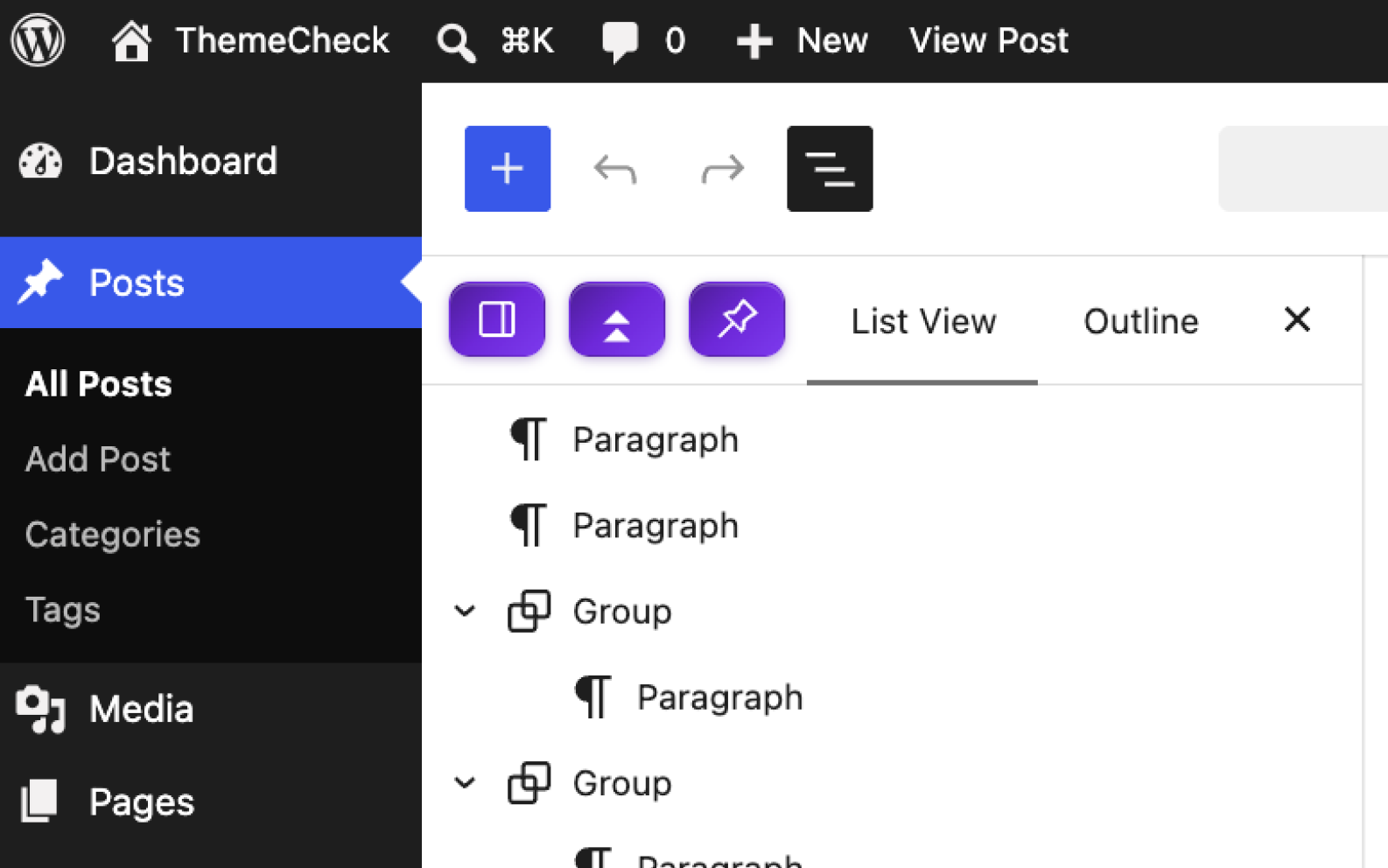
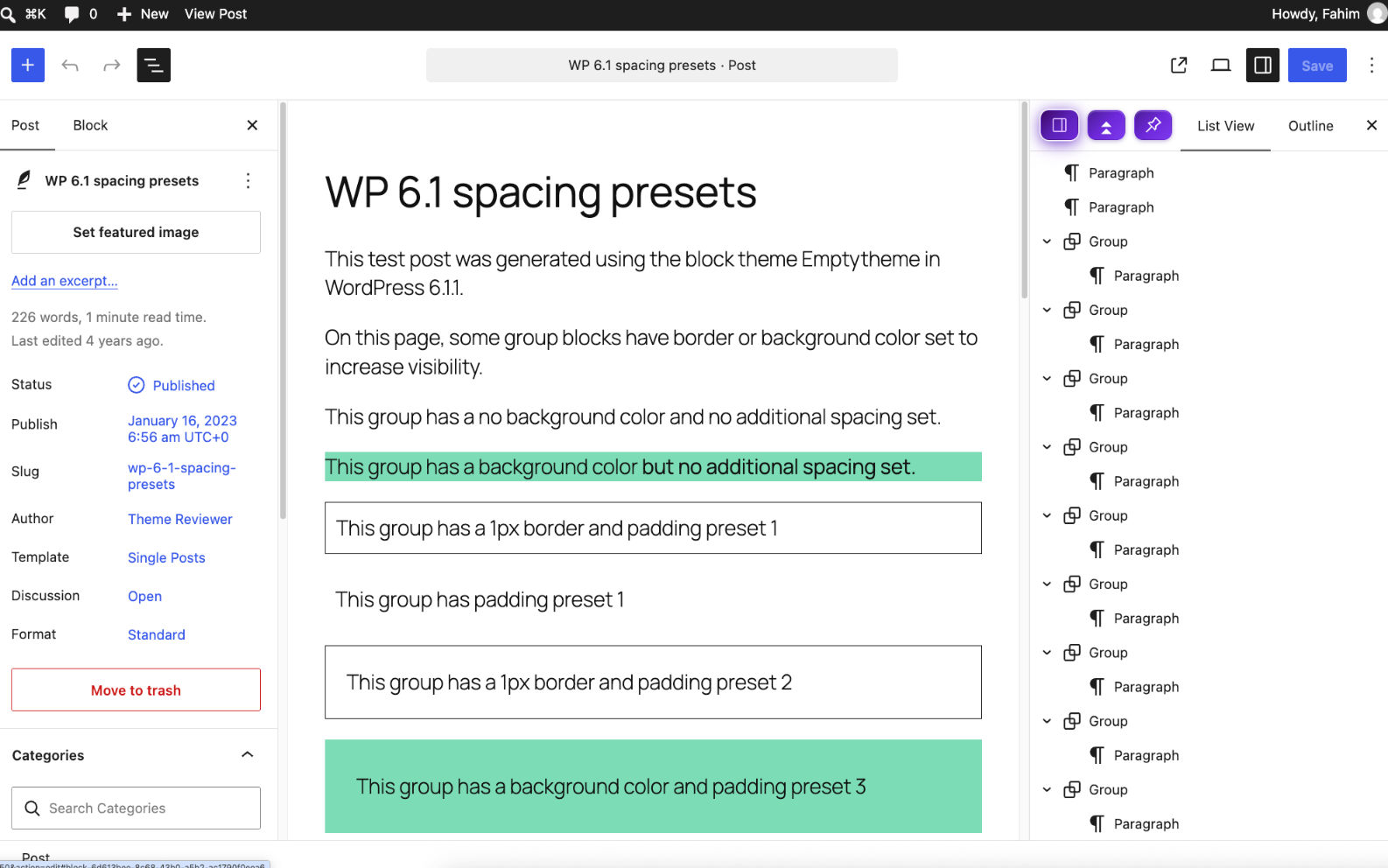
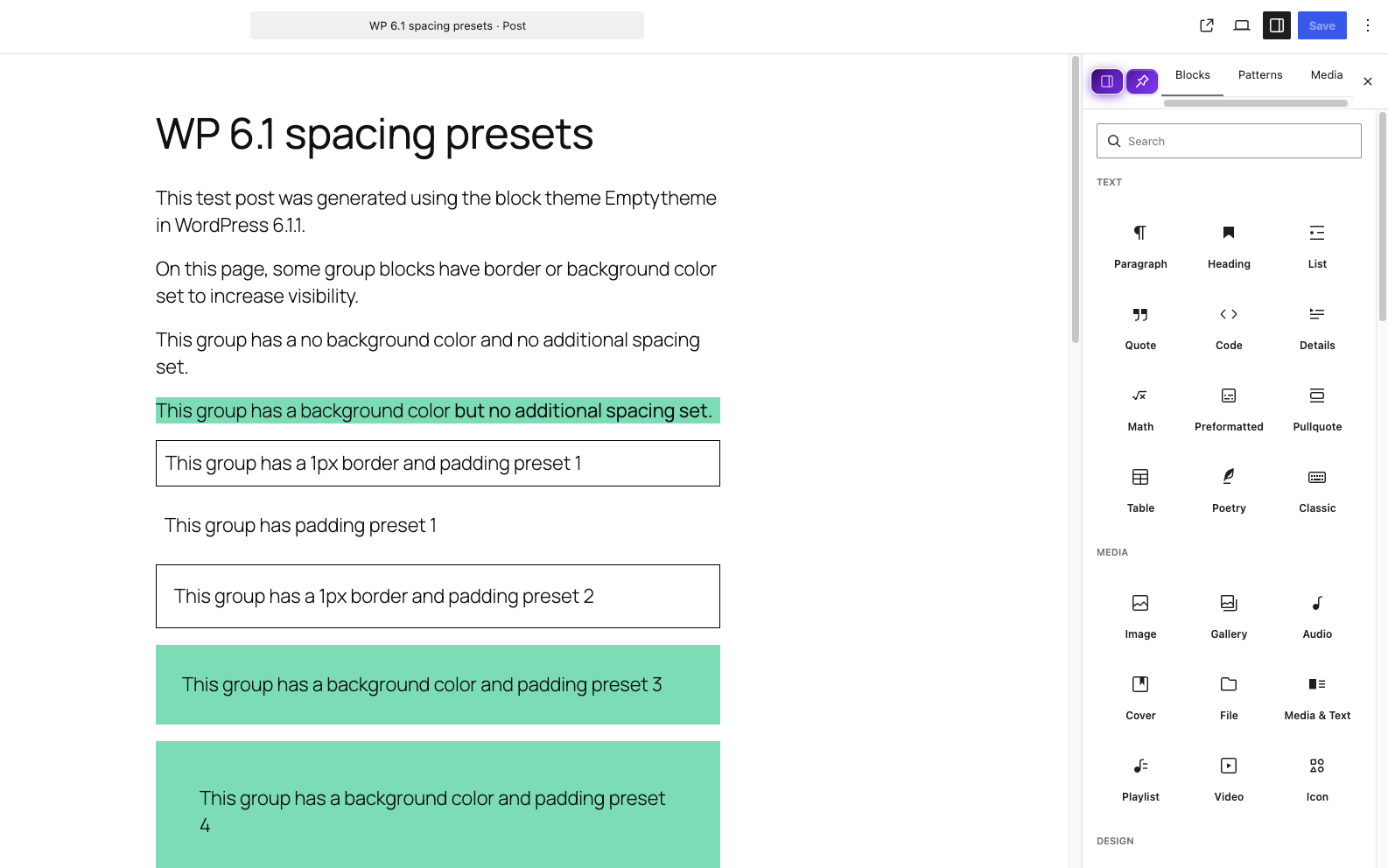
- Sidebar Pinning: Add a Pin button before the Close button on both Block Inserter and Document Overview sidebars so they stay pinned open.
- Sidebar Position Toggle: Effortlessly switch the Block Inserter & Document Overview sidebar layout position between Left and Right.
- Expand & Collapse All: Easily expand or collapse all nested blocks in Document Overview with a single click (
.block-editor-list-view__expander). - Persistent Settings: All customizations automatically persist using
localStorage.
Snímky obrazovky
Instalace
- Upload the
editor-ui-toolsfolder to the/wp-content/plugins/directory. - Activate the plugin through the ‚Plugins‘ menu in WordPress.
- Open the Block Editor on any Post or Page to enjoy the new controls.
Nejčastější dotazy
-
Does this plugin modify core WordPress files?
-
No. Editor UI Tools operates 100% independently through clean JavaScript hooks and CSS layout overrides without touching WordPress core files.
-
How do I expand or collapse all blocks in Document Overview?
-
Open the Document Overview sidebar in the editor and click the new Expand/Collapse All button in the header bar.
Recenze
Pro tento plugin nejsou žádné recenze.
Autoři
Editor UI Tools je otevřený software. Následující lidé přispěli k vývoji tohoto pluginu.
Spolupracovníci
Přeložte “Editor UI Tools” do svého jazyka.
Zajímá vás vývoj?
Prohledejte kód, podívejte se do SVN repozitáře, nebo se přihlaste k odběru protokolu vývoje pomocí RSS.
Přehled změn
1.0.0
- Initial release with Sidebar Pinning, Left/Right Position Toggle, and Document Overview Expand/Collapse All.