
Popis
Dynamic Visibility extension allows you to hide widgets, columns, containers, sections, or pages.
It is particularly useful when you are building something that you don’t want to show everyone.
It’s an Elementor extension, so you must install Elementor Free version (also working with Elementor Pro) before activating the plugin.
- Choose an OR/AND condition.
- Limit visibility for specific custom fields or pages.
- Set a date (from–to), day of the week, or an hour and decide when each element will be visible.
- Limit visibility for specific user roles, user meta, IP, referral, or users.
- Limit visibility for WooCommerce products
- Set a fallback text (e.g.: ‘Coming soon’) for hidden elements that will be displayed in place of the element.
You can choose to hide the element via CSS or remove it from the DOM.
View full features, demo and more
Try out the plugin on a free dummy site
What will you find in the paid version (Dynamic.ooo – Dynamic Content for Elementor)?
- Custom condition, write your condition in PHP code without any limit
- more than 140 features for Elementor
How it works
Open a page in Elementor mode. Select your element, go to the Visibility tab.
You’ll find a new “Visibility” configuration. Open it, enable Visibility, and set it as you prefer.
Snímky obrazovky
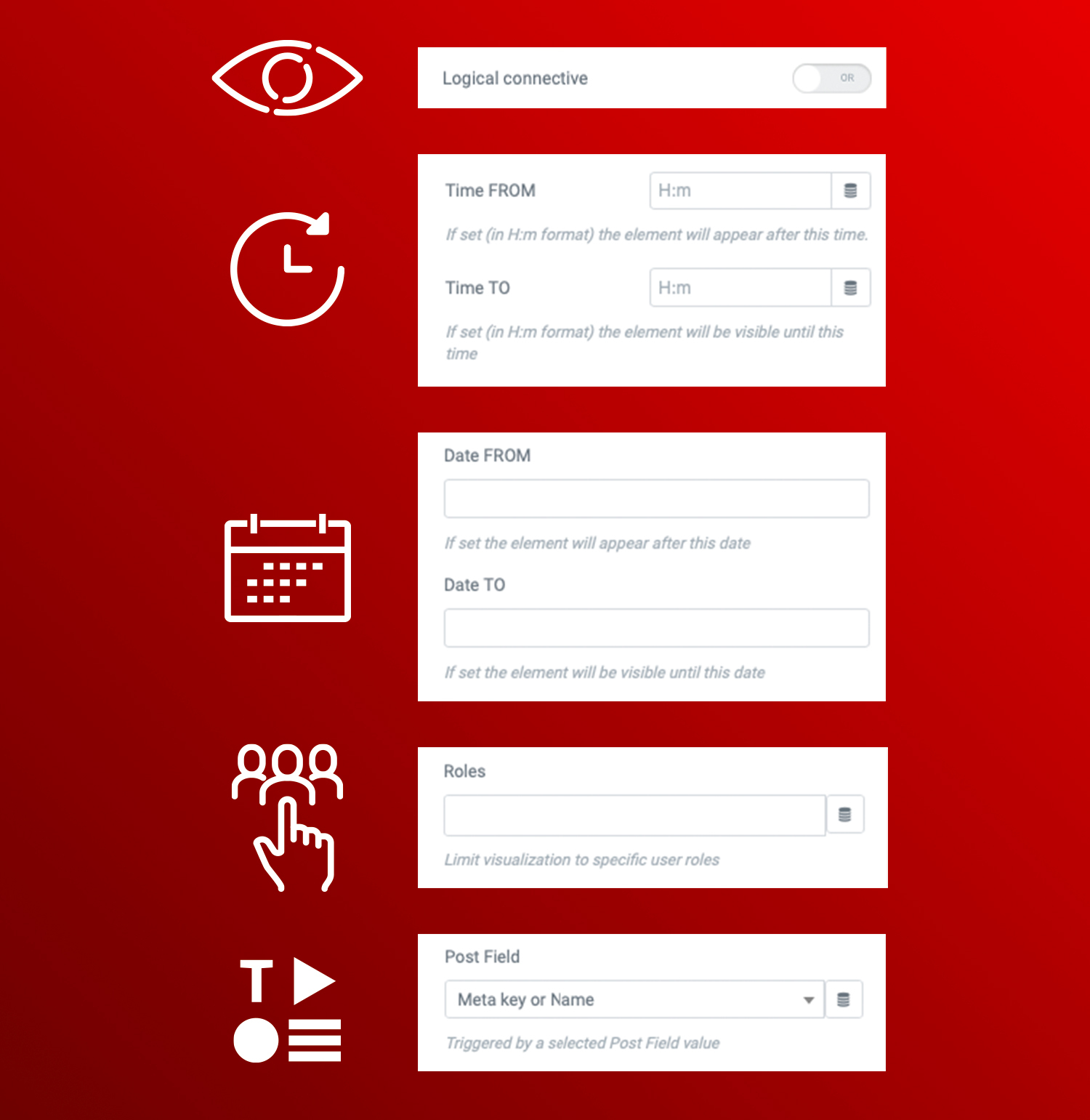
Dynamic Visibility for Elementor is easy to use. Get better results with Dynamic.ooo - Dynamic Content for Elementor 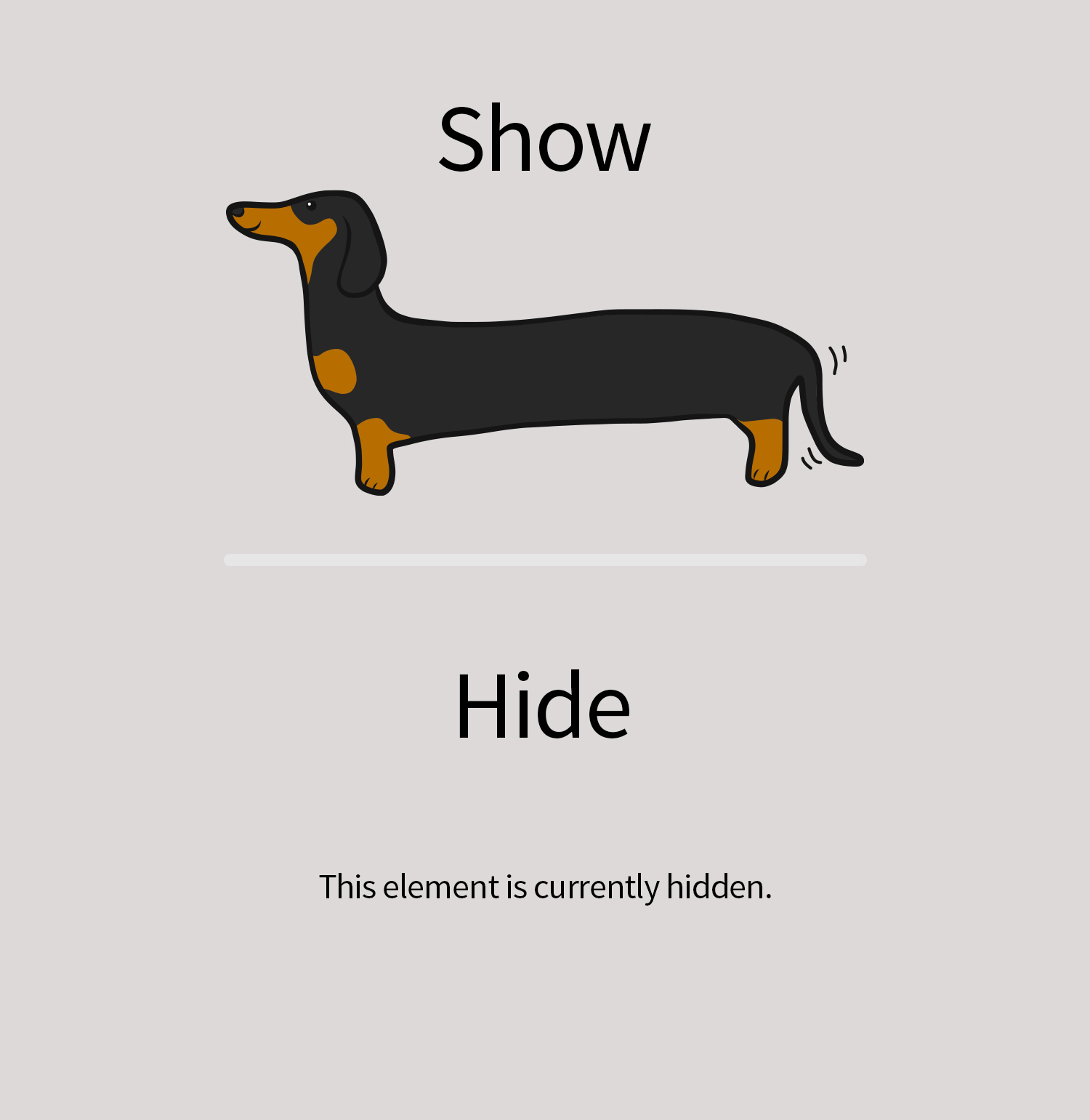
In edit mode, you will see if a widget is hidden and the plugin is enabled on this element 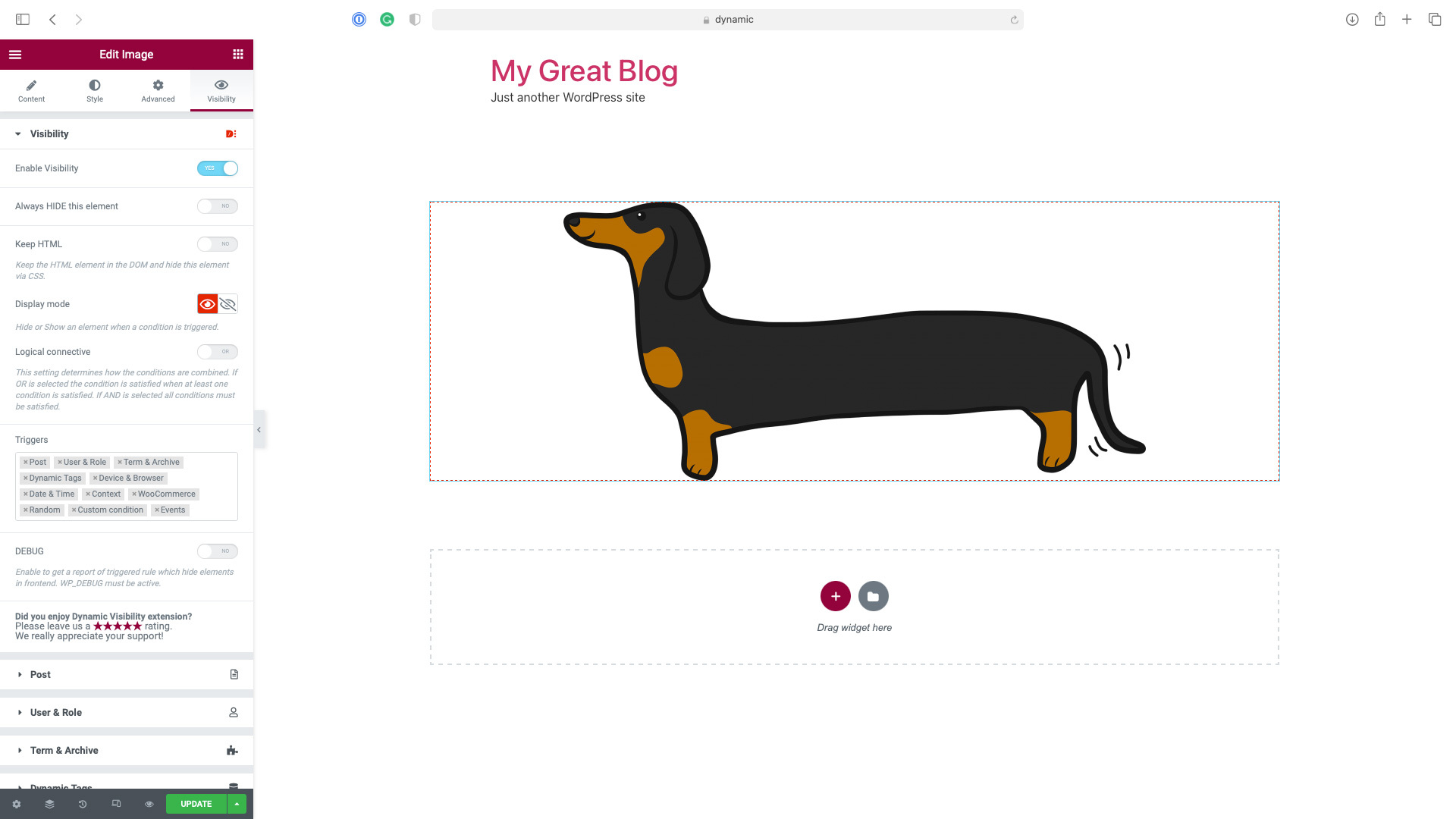
In the frontend, visitors don't see anything 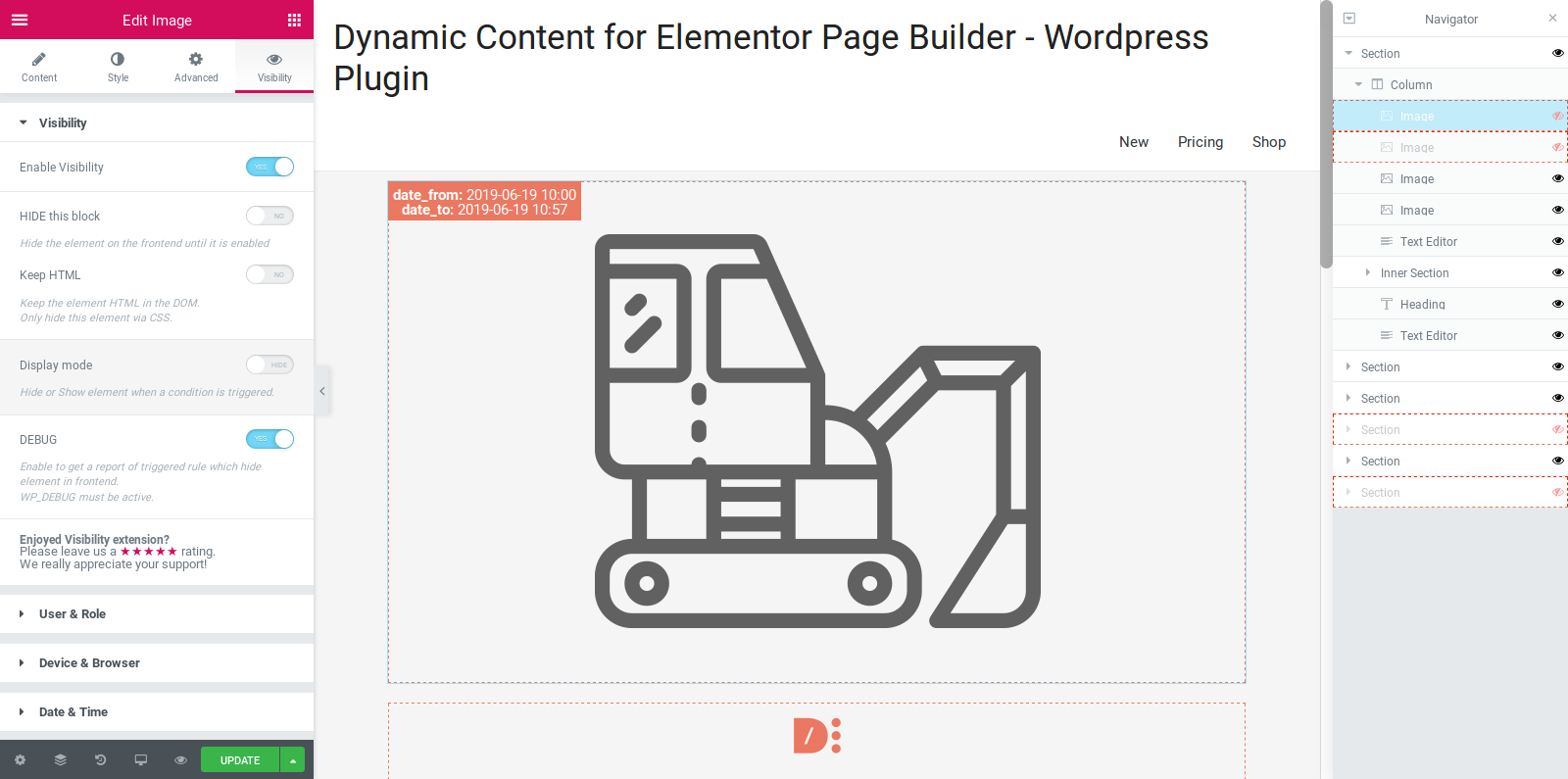
They will only see what you decide to show them 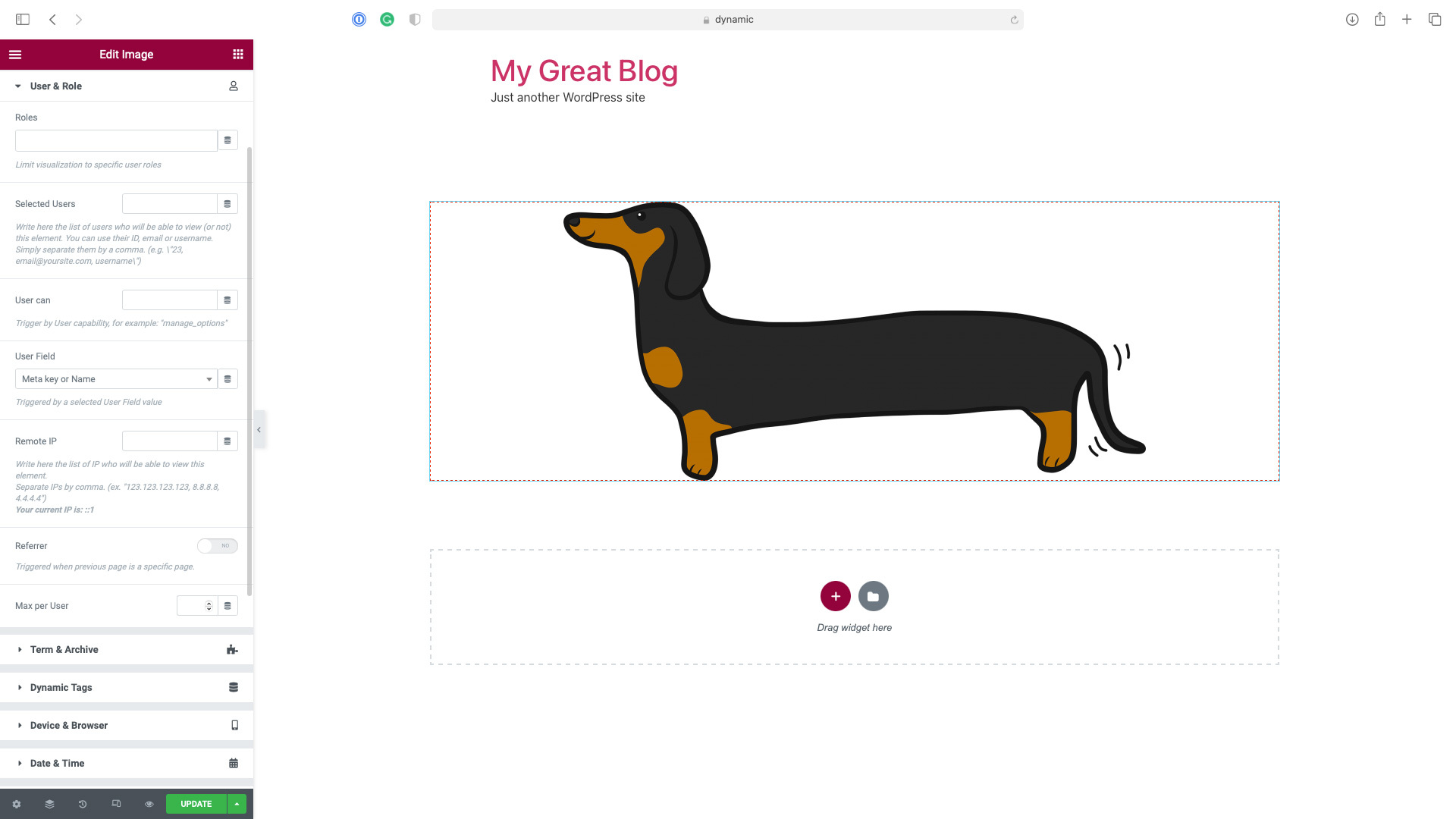
Integrated with Elementor Navigator and Contextual Menu
Instalace
This section describes how to install the plugin and get it working.
- Upload the plugin files to the
/wp-content/plugins/dynamic-visibility-for-elementordirectory, or install the plugin through the WordPress plugins screen directly. - Activate the plugin through the ‚Plugins‘ screen in WordPress
- There is nothing to configure. It’s necessary to have installed and activated Elementor Free version
Nejčastější dotazy
-
Is Dynamic Visibility for Elementor free?
-
Yes! Dynamic Visibility for Elementor’s core features are and always will be free.
-
Not working, found a bug or suggestion?
-
We provide support for the free version only via the plugin page itself; we are continuously working to make a better plugin.
-
Do you love it and use it on every site?
-
Please leave us a good review rating. We appreciate your support.
Recenze


Autoři
Dynamic Visibility for Elementor je otevřený software. Následující lidé přispěli k vývoji tohoto pluginu.
Spolupracovníci
Plugin „Dynamic Visibility for Elementor“ byl přeložen do 3 jazyků. Děkujeme všem překladatelům za jejich pomoc.
Přeložte “Dynamic Visibility for Elementor” do svého jazyka.
Zajímá vás vývoj?
Prohledejte kód, podívejte se do SVN repozitáře, nebo se přihlaste k odběru protokolu vývoje pomocí RSS.
Přehled změn
5.0.10
- Fix: PHP Error in version 5.0.8
5.0.8
- Fix: Visibility, Geo-targeting incorrectly requiring the User & Role conditions to be active
- Fix: Visibility: Event triggers where not working in some cases
5.0.6
- Tweak: Improve security by removing obsolete code
5.0.5
- Fix: Visibility Tab icon missing since Elementor version 3.13.0
- Minor fixes
5.0.4
- Fix: other PHP errors appearing in some cases with recent versions of Elementor
5.0.3
- Notice: from February 28, 2023 the plugin will require Elementor > v3.0.0
- Tweak: Ensure compatibility with Elementor 3.10.0
- Tweak: add switcher „Check Host only“ for referrer
- Fix: PHP error appearing in some case with recent versions of Elementor
- Minor fixes
5.0.2
- Tweak: uou can now use data-visibility-ok html attribute to force hiding custom style elements
- Tweak: add an option to require matching all User Roles provided
- Fix: event when Visibility is set in Hide mode now hides the element instead of showing it
- Fix: style missing when style tag was more than one line long on pages with more than on widget of the same type
- Fix: make Taxonomy and Terms a unique trigger, to avoid any problem with connectives
- Minor fixes
5.0.1
- Fix: Event Trigger compatibility with Elementor’s containers
- Fix: Visibility style problems when elements of the same type are at the same time visibile and hidden
- Minor fixes
5.0.0
- New: Dynamic Visibility for Containers. Now you can hide containers
- New: Dynamic Visibility for Pages. Now you can hide the content of an entire page
- Tweak: added tab „Geotargeting“
- Tweak: now supports Time From > Time To, for example, to show elements between 18.00 – 7.00
- Tweak: now supports Period From > Period To, for example, to show elements between 20 Dec – 11 Jan
- Tweak: WPML support for Fallback Text
- Fix: Dynamic Visibility could break the style of a page with more than one widget of the same type if the first of them was hidden
- Fix: events trigger, show on page load was not working in some cases
- Minor fixes
4.1.2
- Tweak: now can check WooCommerce Product Type
- Minor fixes
4.1.1
- Trigger Events didn’t work correctly when applied to sections
- Minor fixes
4.1.0
- Tweak: speed optimization on editor mode
- Tweak: added the condition „Cart is empty“
- Tweak: now supports Product Category in the cart for WooCommerce
- Fix: the Dynamic Visibility icon in the Navigator was not positioned correctly for RTL sites
4.0.4
- Fix: solved a fatal error in some installations
4.0.3
- Tweak: enabled debug
- Tweak: Referer Triggers now allows referrers from specific pages instead of just from generic domains
- Tweak: compatibility check for Elementor 3.4.x
- Tweak: compatibility check for Elementor Pro 3.4.x
- Fix: infinite loading spinner on Page/Post Selection after first choice
- Fix: Weglot didn’t work correctly on Dynamic Visibility
- Fix: Dynamic Visibility now can check terms in the current language with WPML activated
- Minor fixes
4.0.2
- Fix: Triggers not hiding in editor mode
- Tweak: compatibility check for Elementor Pro 3.2.x
- Tweak: compatibility check for Elementor Pro 3.3.x
- Minor fixes
4.0.1
- Fix: Visibility tab not clickable on a new post
- Fix: Promo Notice always visible
- Minor fixes
4.0.0
- Enabled Post trigger on the free version
- Support for OR/AND conditions
- Support for Columns
- Supports for new events: mouseover and double click
- Events condition now works on a loop if you set a custom CSS ID or CSS Class
- Added Term Trigger
- Added Dynamic Tag Trigger
- Added WooCommerce Trigger
- Added support for Context COOKIE and SERVER parameters
- Added support for Language trigger (WPML, PolyLang, TranslatePress, and WeGlot)
- Added compatibility check for Elementor 3.1.x
- Added compatibility check for Elementor Pro 3.2.x
- Minor fixes
3.0
- Working as Elementor Tab, more conditions and bugfix
- Fully compatibility with previous version, but test it before use in production environment
2.0
- Working with Sections, more conditions and bugfix
1.1
- Instant view in editing mode and bugfix
1.0
- Initial release.